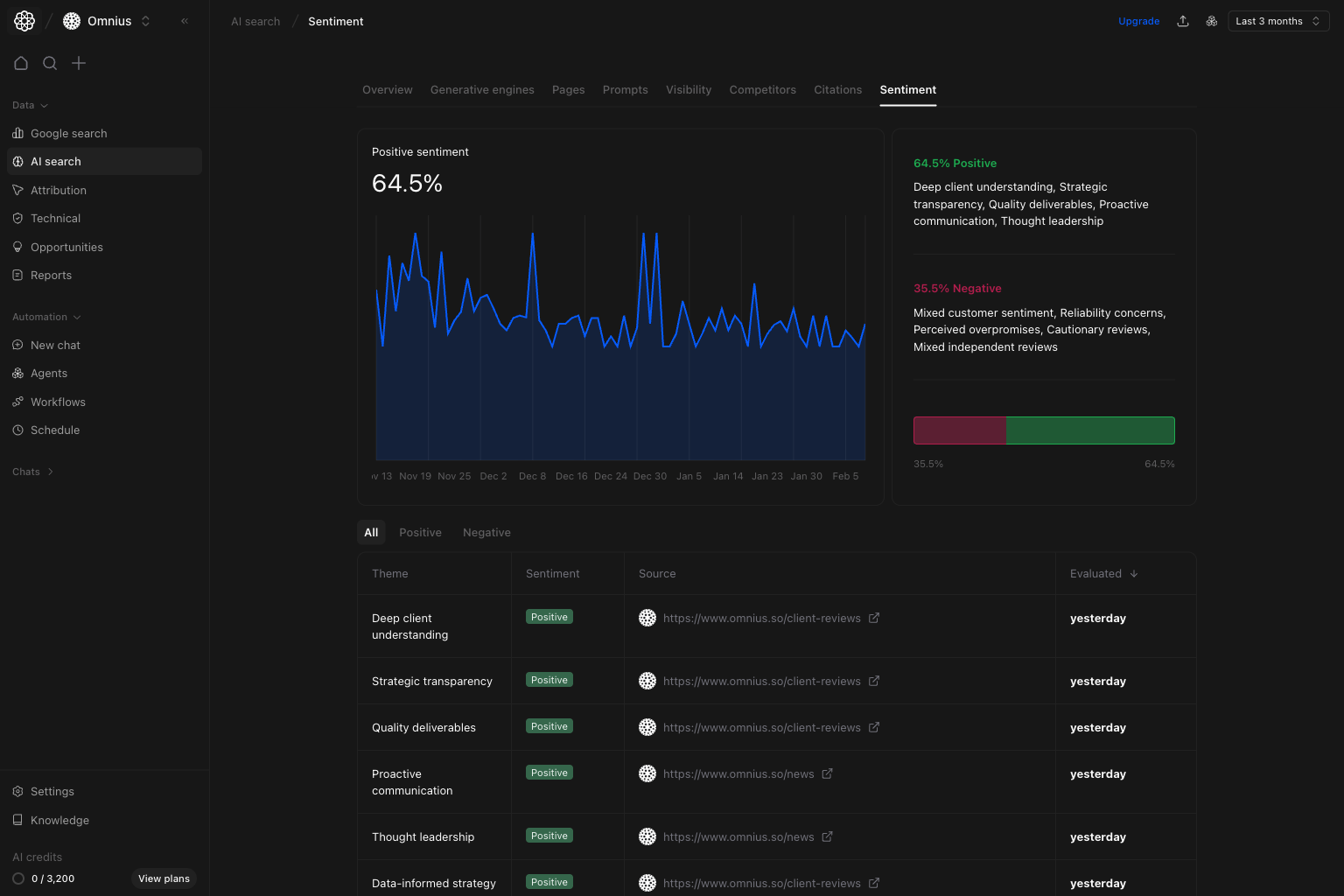
 Use this page to track brand perception quality in AI answers.
Important: One negative mention is noise. Repeated negative themes across prompts are the real risk.
Key signal: If visibility stays stable but negative share rises, conversion risk is usually increasing before traffic metrics react.
Use it to identify:
* Mixed themes requiring clearer positioning.
* Repeated concerns that hurt trust.
* Positive messages worth scaling.
## Positive tab
Use `Positive` to preserve and scale what already works.
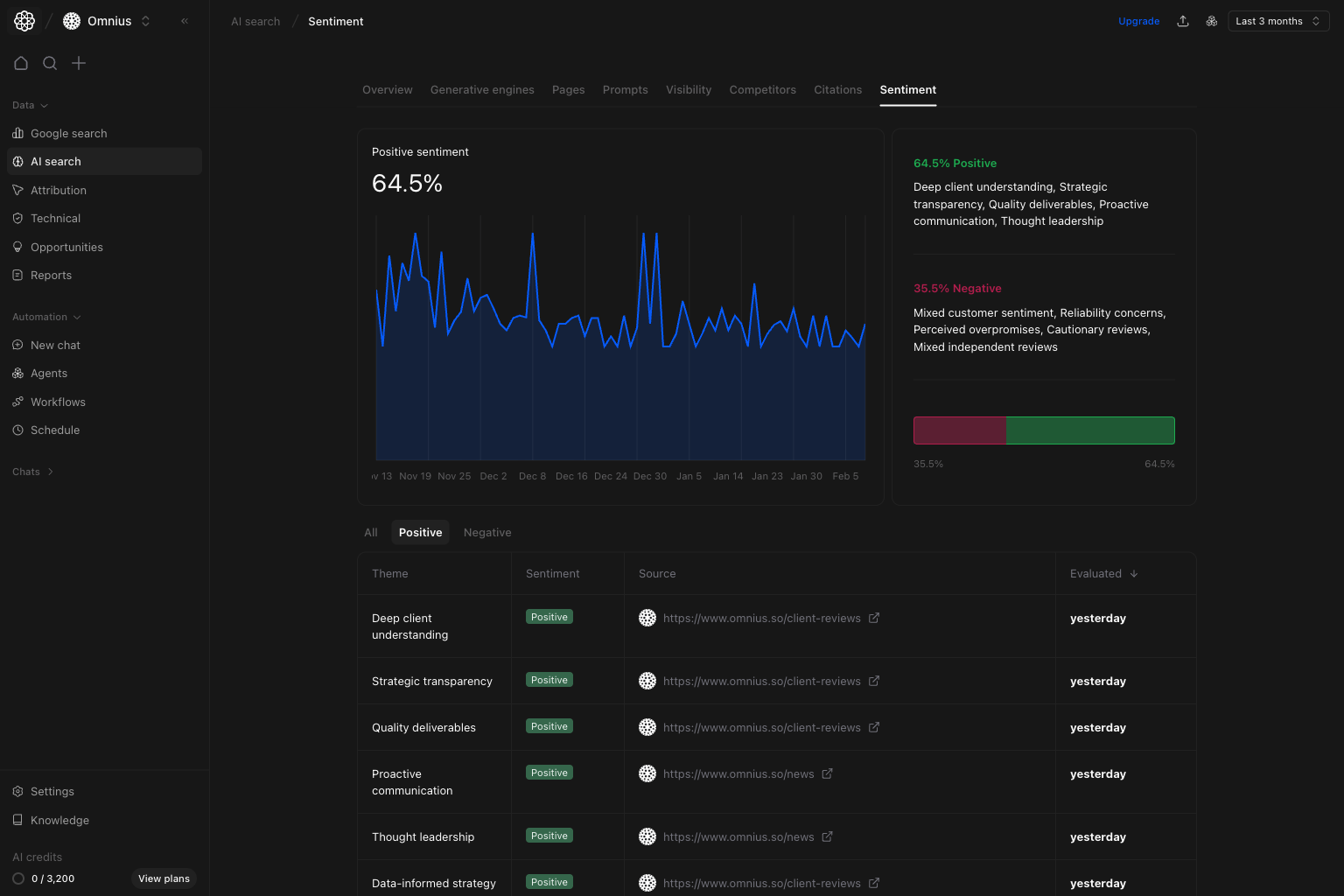 Focus on:
* Positive themes that repeat across sources.
* Signals you can reuse in landing pages and prompts.
* Source types that produce high-trust mentions.
## Negative tab
Use `Negative` to reduce risk quickly.
Focus on:
* Positive themes that repeat across sources.
* Signals you can reuse in landing pages and prompts.
* Source types that produce high-trust mentions.
## Negative tab
Use `Negative` to reduce risk quickly.
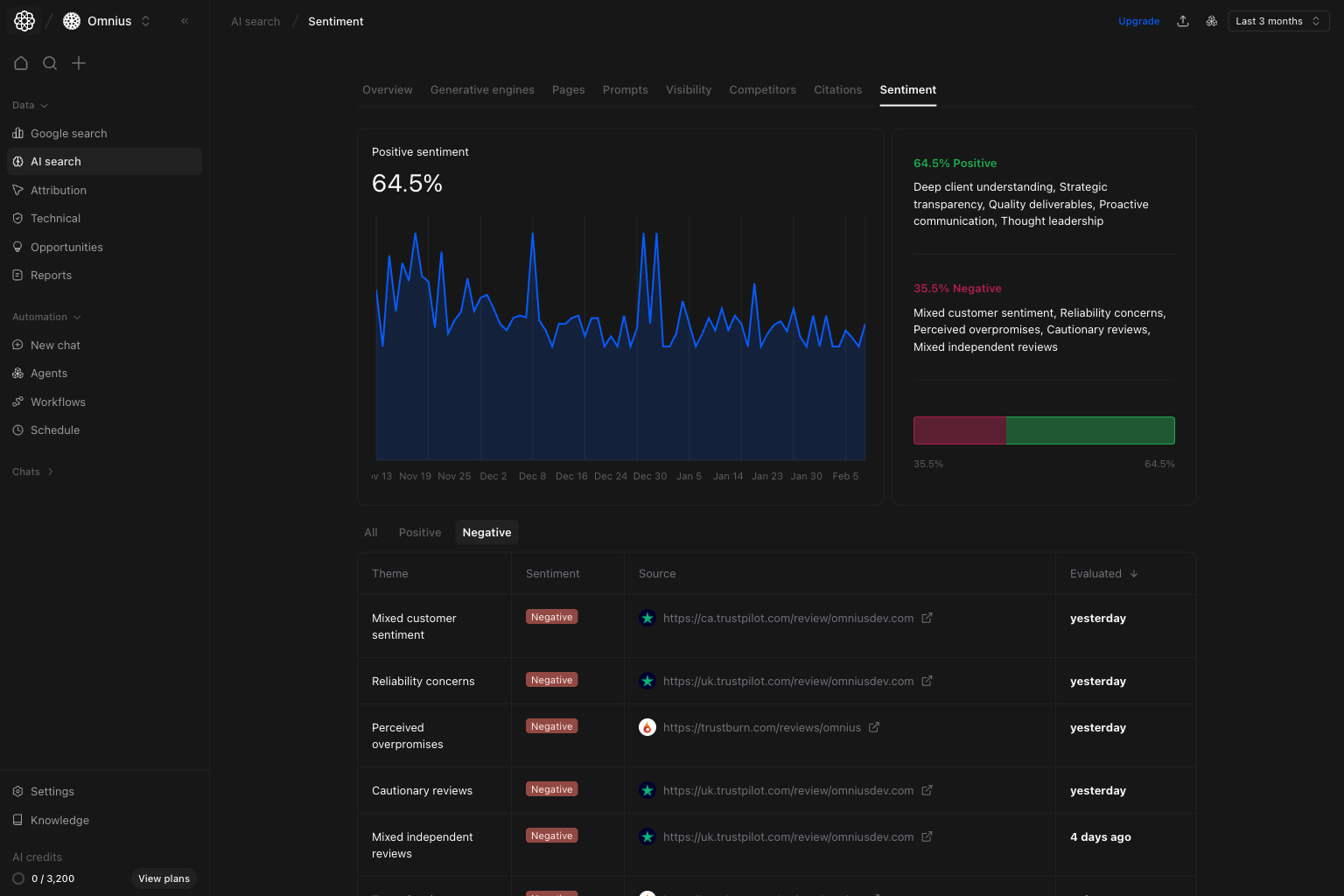 Focus on:
* Recurring negative themes.
* Negative themes tied to decision queries.
* Source patterns that repeatedly create risk.
## Quick weekly checklist
1. Check positive vs negative balance.
2. Flag top recurring negative theme.
3. Protect one high-impact positive theme.
4. Assign one message/proof fix per sprint.
## How to use filters
* Start with `All` before narrowing.
* Compare `Positive` and `Negative` separately.
* Keep window consistent to avoid false trend shifts.
## What to fix first
| Pattern in Sentiment data | What it usually means | Recommended action |
| -------------------------------------- | ---------------------------------- | --------------------------------------------- |
| Negative share rising on trust topics | Credibility concern | Add stronger proof and clearer claims |
| Positive stable, conversions weakening | Narrative not supporting decisions | Improve decision-stage messaging |
| One negative theme repeats | Structural positioning gap | Update core narrative and FAQ/support content |
| Positive themes come from few sources | Fragile narrative base | Expand high-quality source distribution |
## Team routine
1. Weekly: review drift and assign fixes.
2. Bi-weekly: verify whether negative themes were reduced.
3. Monthly: align messaging roadmap with sentiment trends.
## Keep in mind
* Sentiment is directional, not absolute truth.
* Short windows can be noisy.
* Repeated themes matter more than isolated mentions.
## Where to go next
* [Citations](/data/ai-search/citations)
* [Prompts](/data/ai-search/prompts)
* [Pages](/data/ai-search/pages)
* [Overview](/data/ai-search/overview)
Focus on:
* Recurring negative themes.
* Negative themes tied to decision queries.
* Source patterns that repeatedly create risk.
## Quick weekly checklist
1. Check positive vs negative balance.
2. Flag top recurring negative theme.
3. Protect one high-impact positive theme.
4. Assign one message/proof fix per sprint.
## How to use filters
* Start with `All` before narrowing.
* Compare `Positive` and `Negative` separately.
* Keep window consistent to avoid false trend shifts.
## What to fix first
| Pattern in Sentiment data | What it usually means | Recommended action |
| -------------------------------------- | ---------------------------------- | --------------------------------------------- |
| Negative share rising on trust topics | Credibility concern | Add stronger proof and clearer claims |
| Positive stable, conversions weakening | Narrative not supporting decisions | Improve decision-stage messaging |
| One negative theme repeats | Structural positioning gap | Update core narrative and FAQ/support content |
| Positive themes come from few sources | Fragile narrative base | Expand high-quality source distribution |
## Team routine
1. Weekly: review drift and assign fixes.
2. Bi-weekly: verify whether negative themes were reduced.
3. Monthly: align messaging roadmap with sentiment trends.
## Keep in mind
* Sentiment is directional, not absolute truth.
* Short windows can be noisy.
* Repeated themes matter more than isolated mentions.
## Where to go next
* [Citations](/data/ai-search/citations)
* [Prompts](/data/ai-search/prompts)
* [Pages](/data/ai-search/pages)
* [Overview](/data/ai-search/overview)