
Access and starting a run
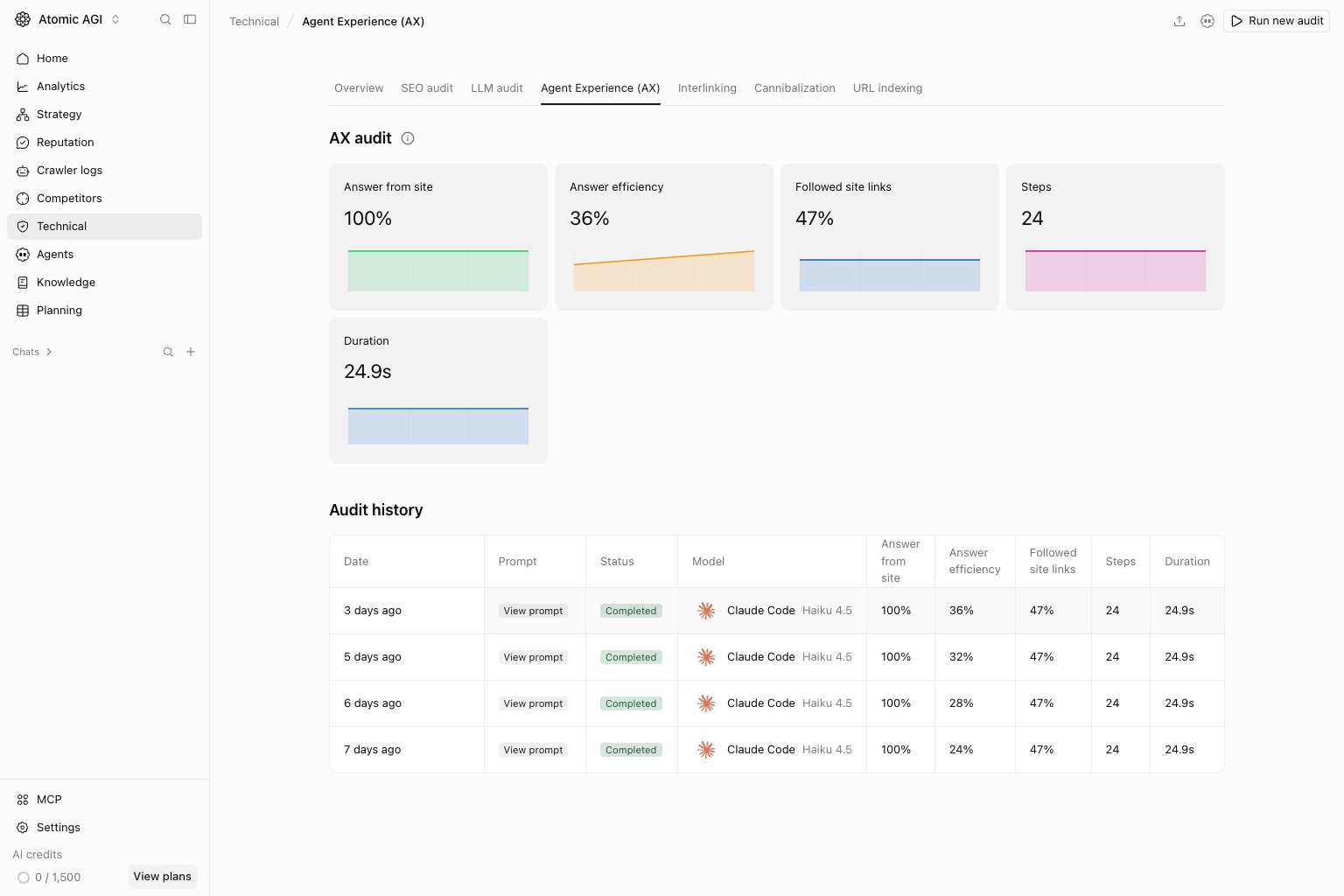
AX requires Team Max or a higher plan and access to Technical. Starting a run also requires write permission. A visible navigation item does not mean the current plan can run audits. From the history page, choose Run new audit, select Agent and model, and choose a Journey prompt task. Review the prompt for the project domain before choosing Run audit. The report opens while the run progresses. Start another run from the history page; individual reports do not have a run command.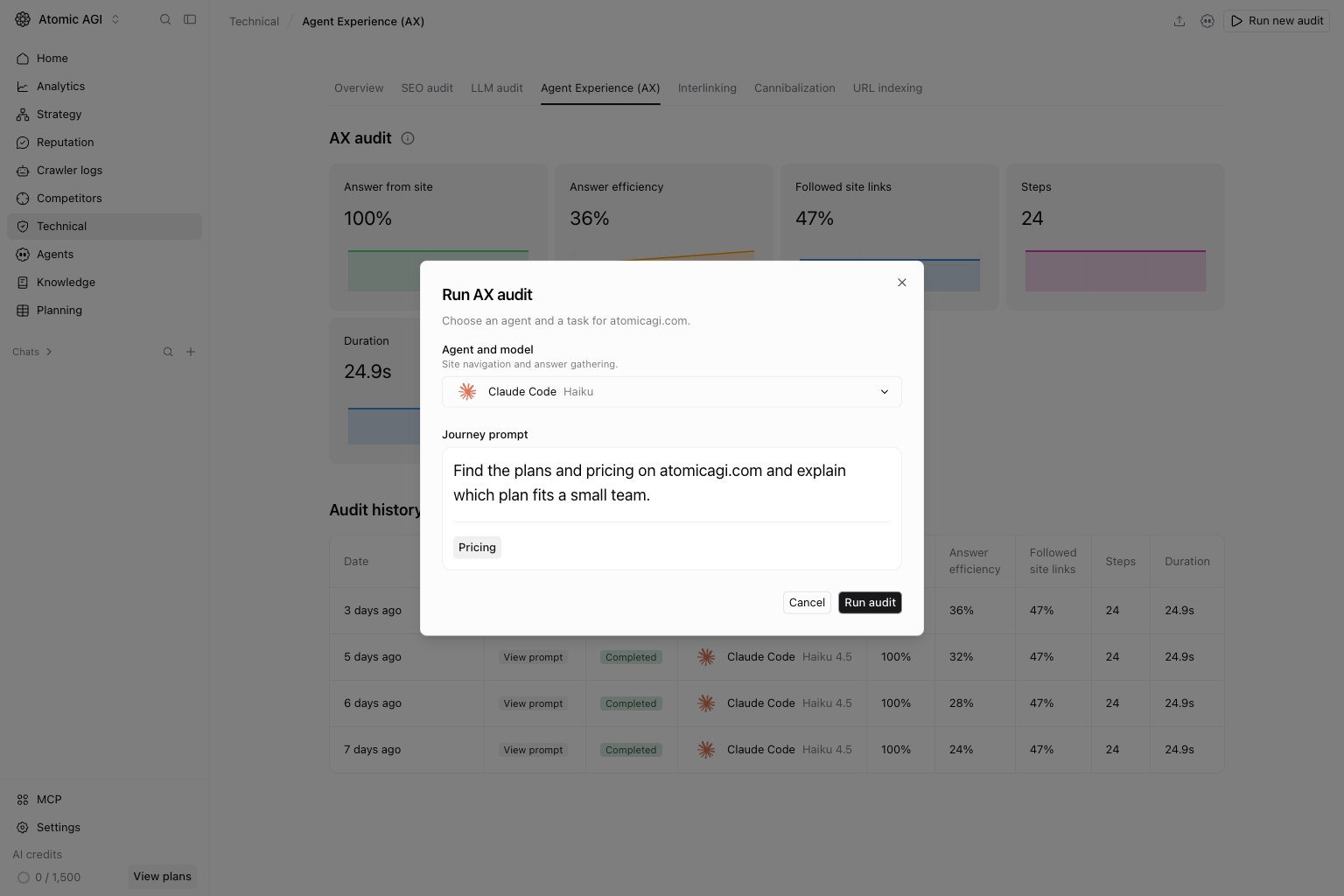
Read the overview and history
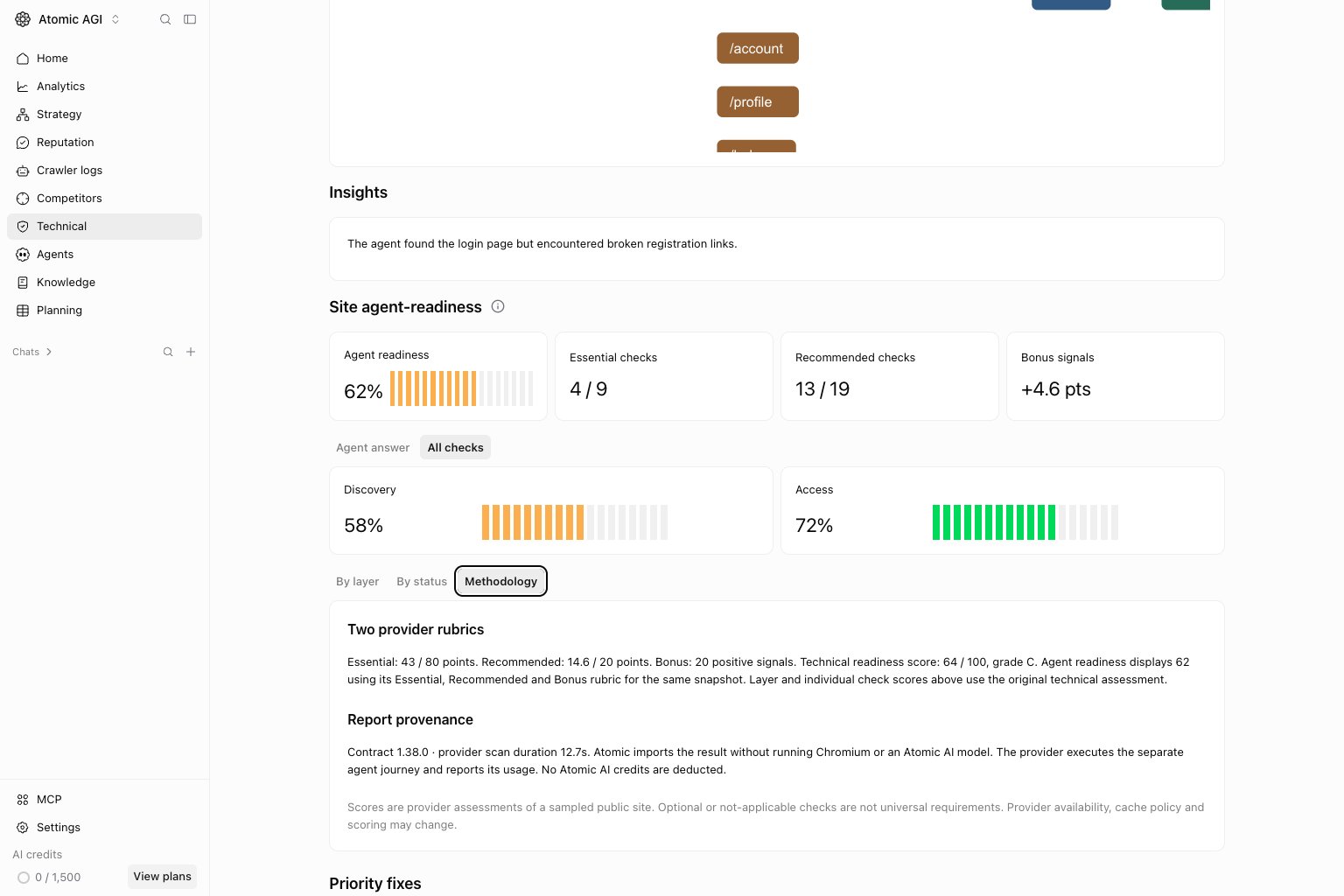
The overview shows the latest completed journey. Trends compare runs with the same prompt and model; changing either changes the comparison. Use the history row’s status, prompt, model, steps, and duration to choose a comparable run.- Answer from site: whether the answer used site evidence.
- Answer efficiency: how efficiently the agent gathered the evidence for its answer.
- Followed site links: whether navigation followed the site’s links.
- Steps and Duration: the amount of work and time recorded for the journey.
Agent answer tab
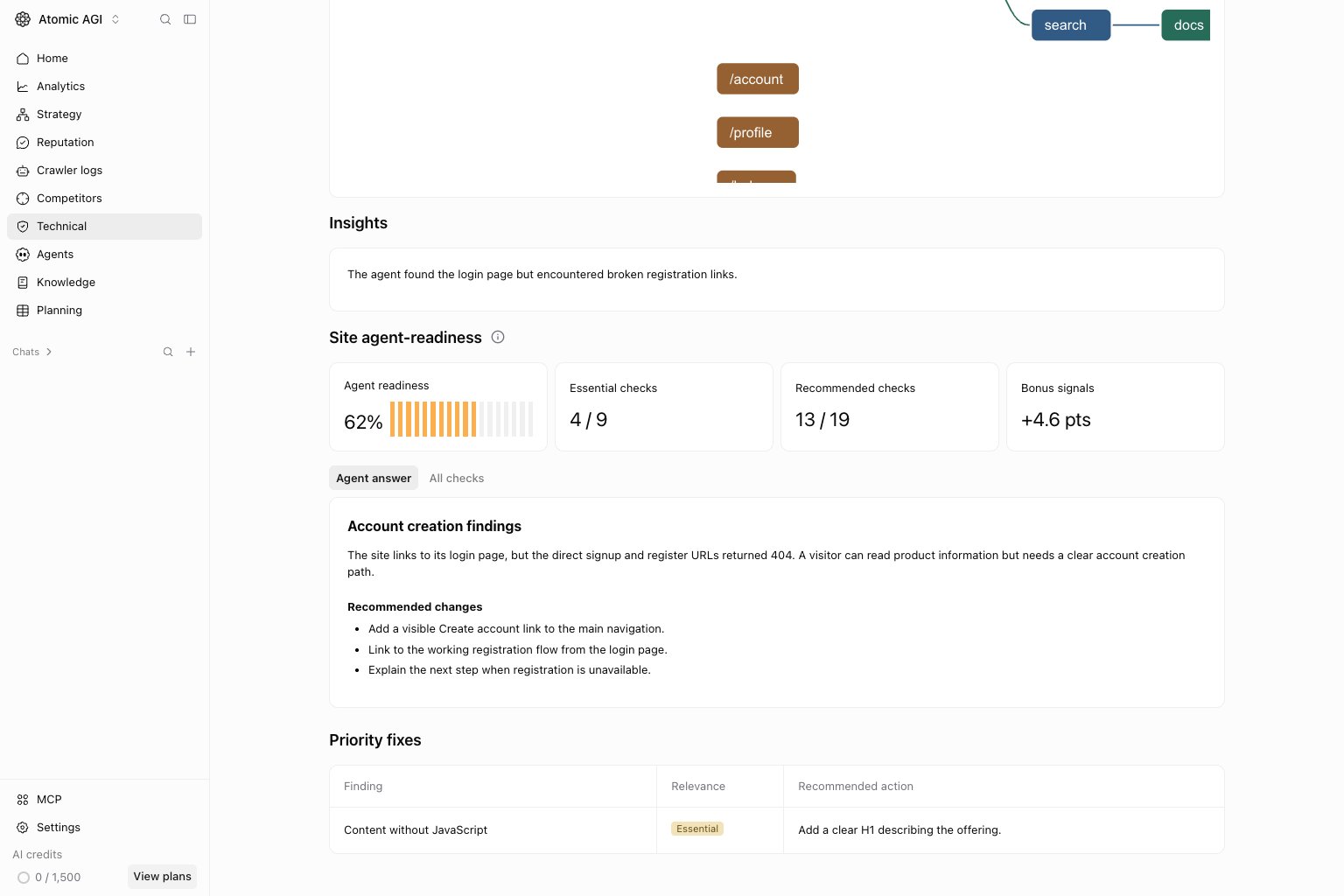
All checks tab
Use All checks to investigate the technical conditions behind a journey. Expand a finding to read its observed evidence and recommended action. Work through Priority fixes, then rerun the same task and model after the site changes.By layer tab
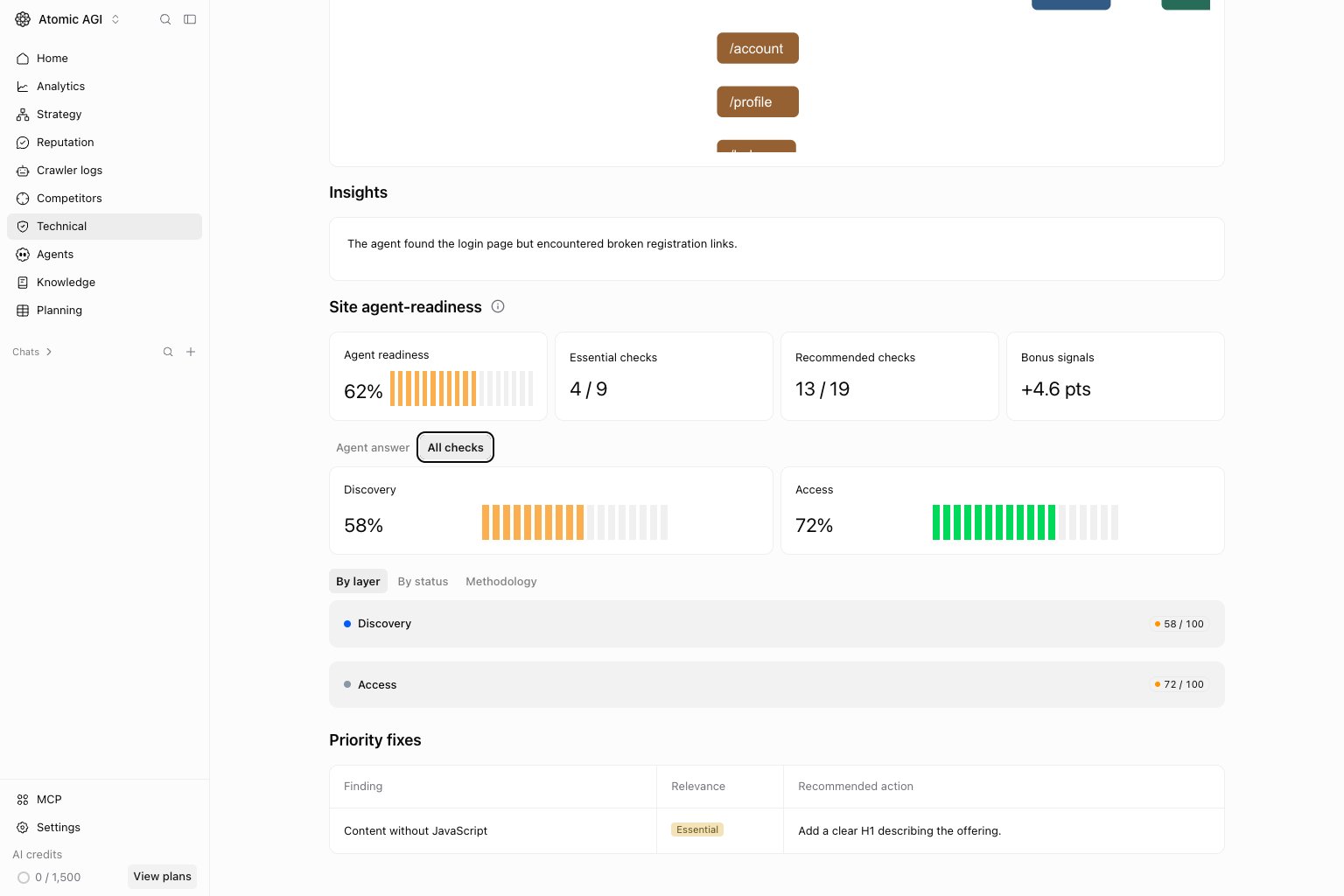
By status tab
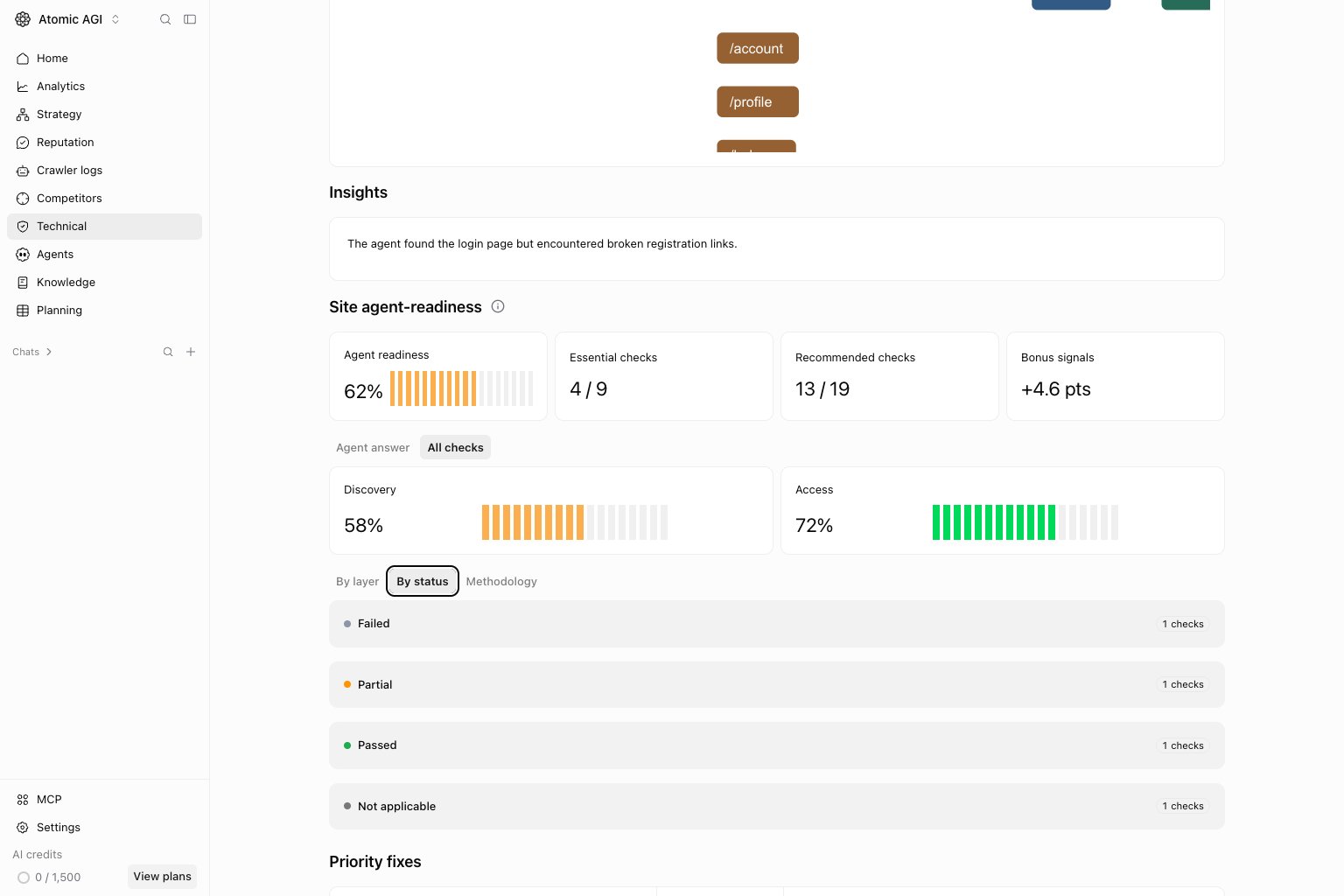
Methodology tab