

What this setup gives you
- One new Atomic AGI account
- One organization (workspace) for your team
- One project connected to verified Google data
- Google Search Console + GA4 + conversion events configured
- Clean base for SEO, AI Search, and attribution reporting
Step 1: Register your account
Start on the sign-up page and create your account.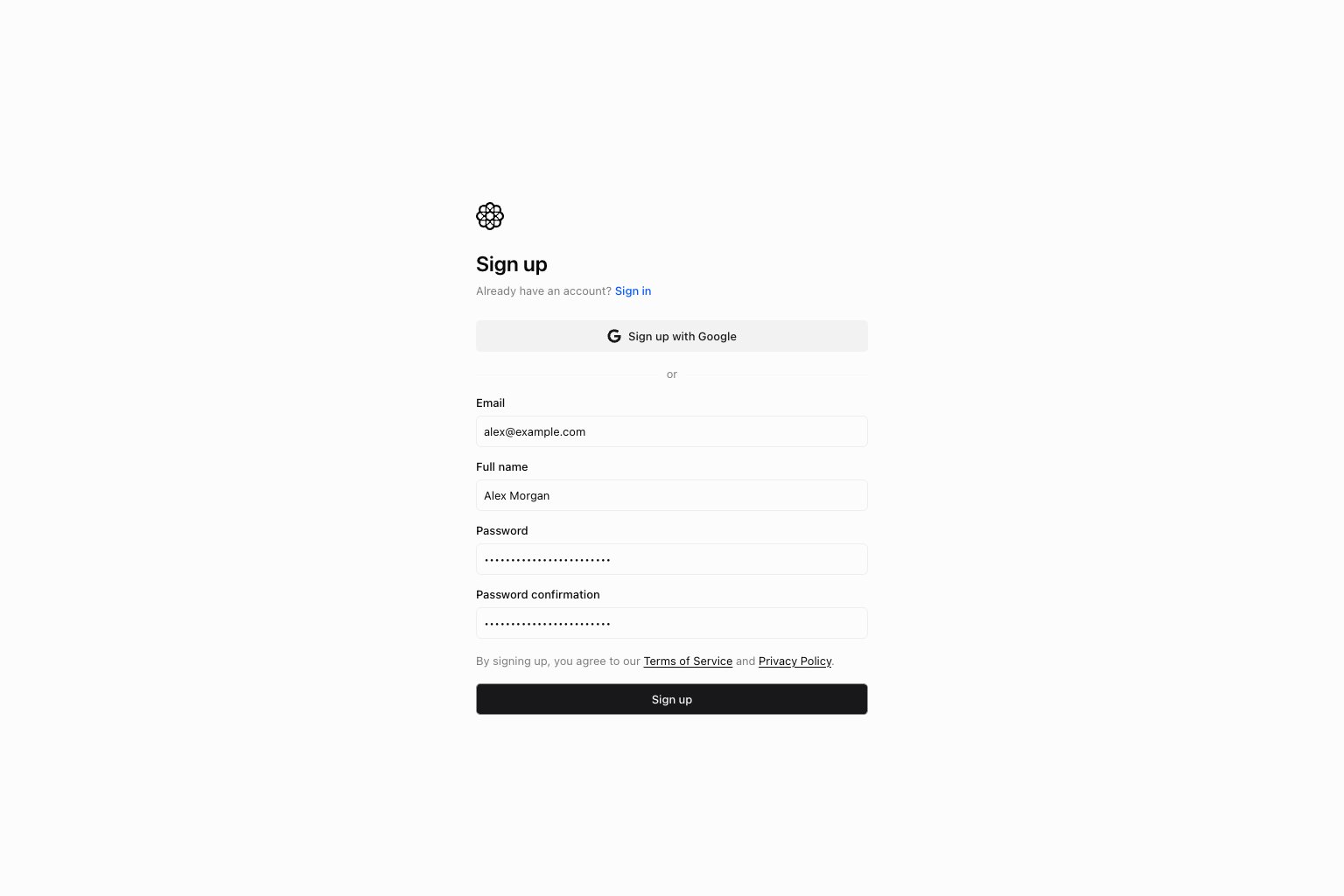
Sign up with Google- Email + password sign-up
Step 2: Create your organization
An organization is your team workspace in Atomic AGI. It contains:- Projects
- Members and permissions
- Shared billing and settings
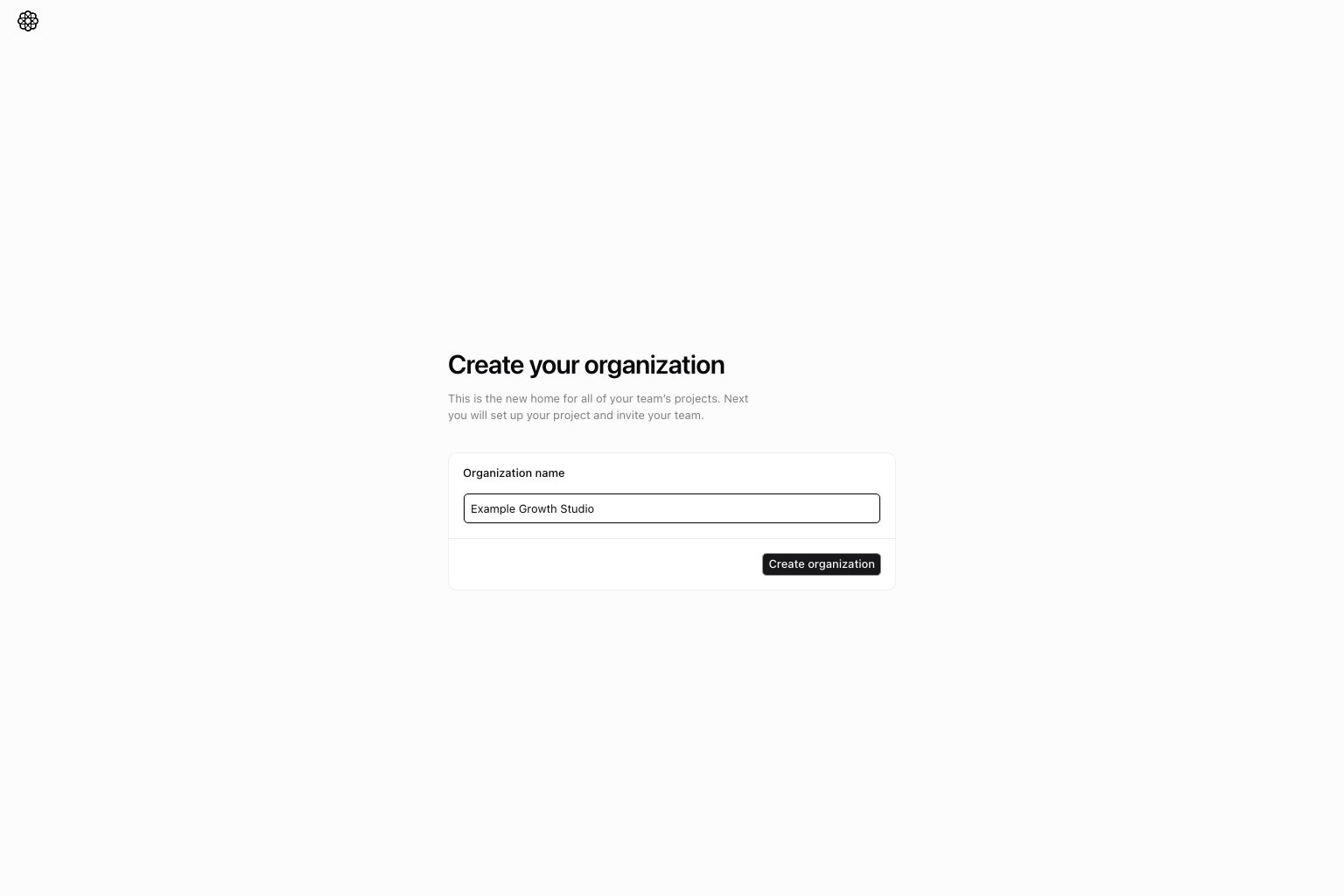
Create organization.
Step 3: Enter your project details
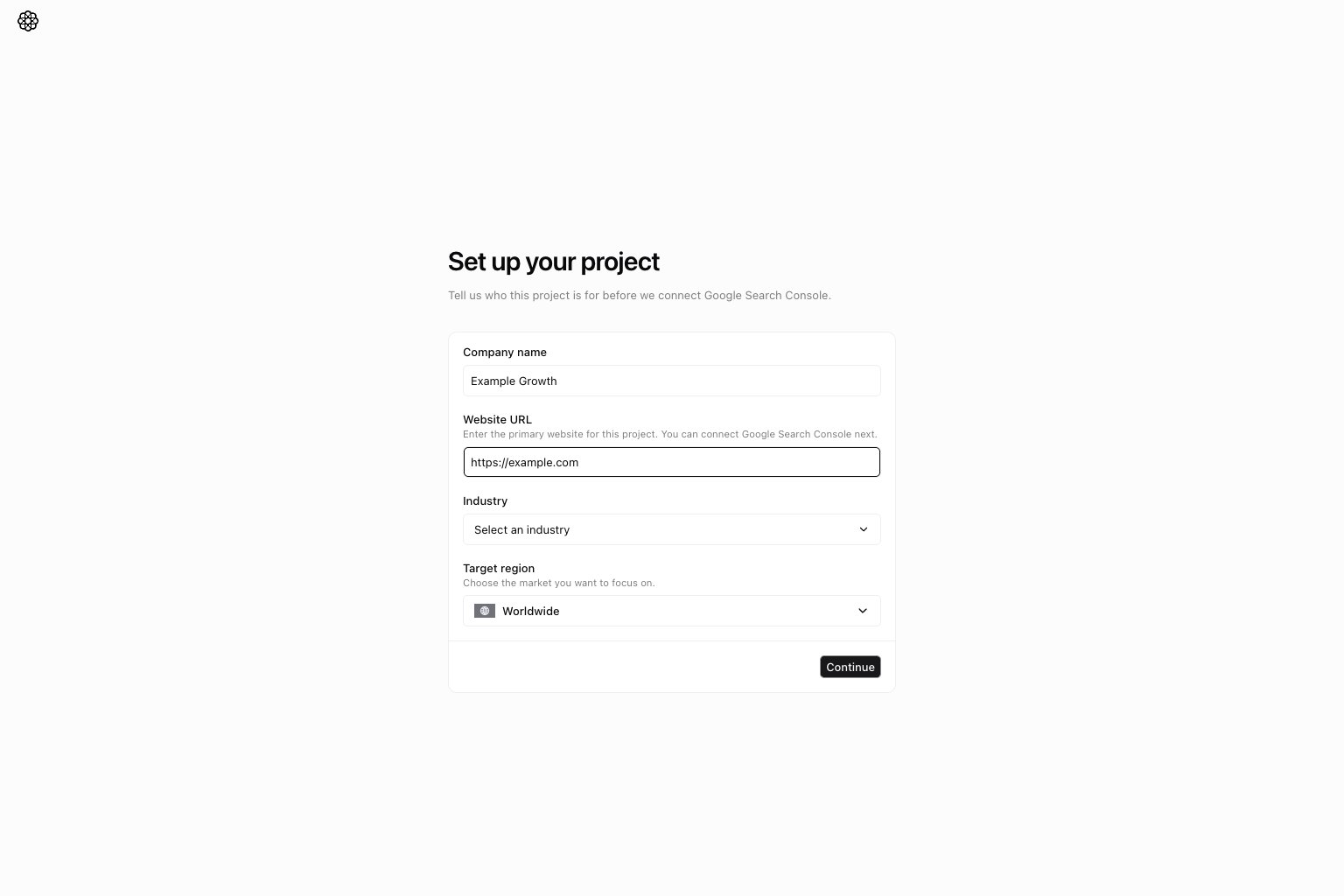
Company nameWebsite URLIndustryTarget region
http:// or https://, such as https://example.com.
Atomic saves only the website host as the project domain. Paths, query parameters, and fragments are removed, www is
normalized away, and the saved value always uses https://. For example, http://www.example.com/blog?ref=setup is
saved as https://example.com.
Select Continue. On the next page, continue to Google Search Console and use a Google account that has access to the
website you want to connect.
Step 4: Select your Google Search Console property
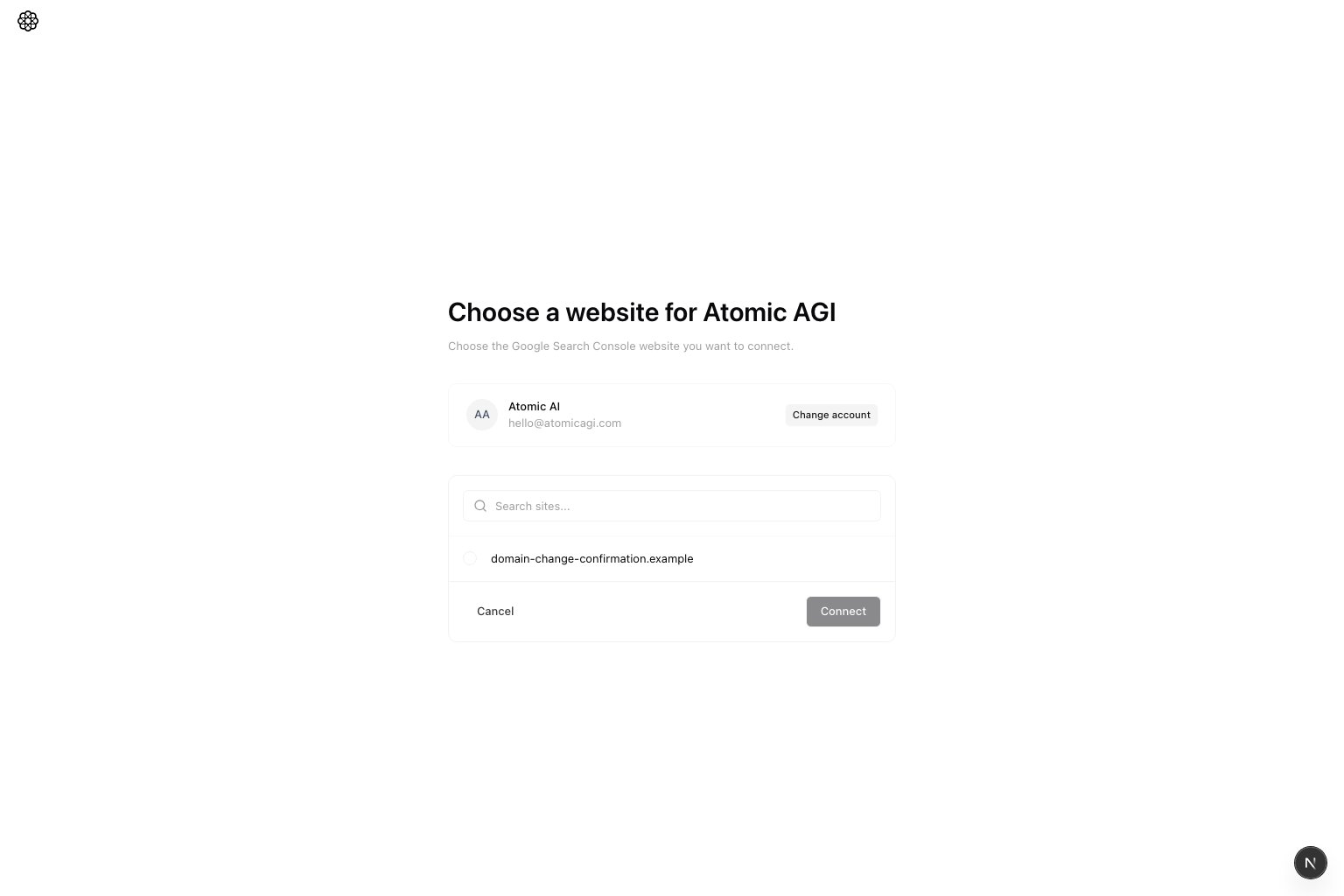
- If the hostnames match, select
Continue. - If the hostnames differ, the button changes to
Connect and change domain.
https://www.example.com/page and
sc-domain:example.com are treated as the same website.
Confirm a different GSC domain
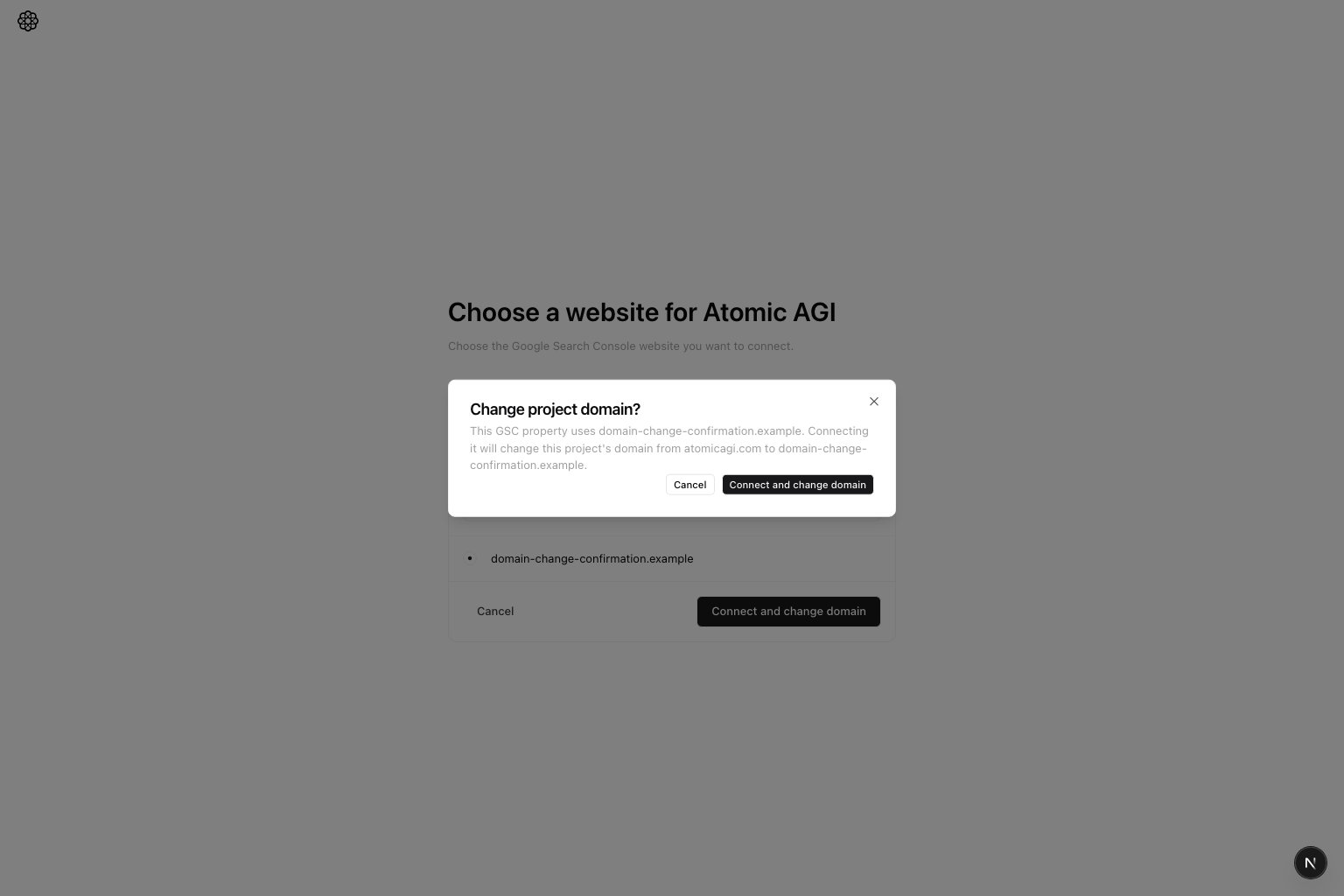
Change project domain? before connecting the GSC website. Review both domains,
then choose one action:
Cancelkeeps the current project domain and returns you to the website picker without connecting the selected site.Connect and change domainconnects the selected GSC website and replaces the project domain with that website.
Important: If the expected site is missing, verify it first in Google Search Console, then reconnect.
Step 5: Select your GA4 property
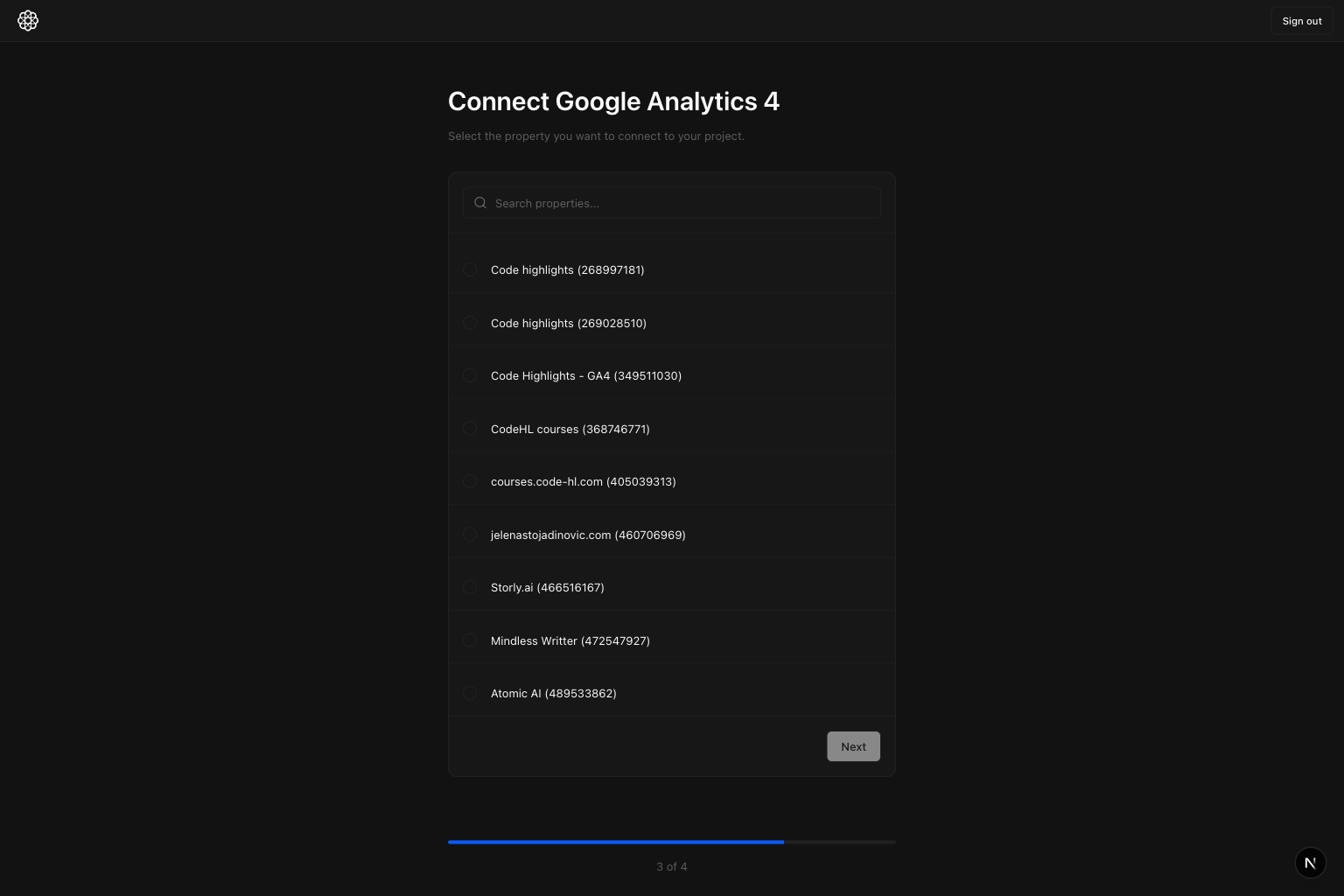
Next.
Step 6: Confirm the correct GA4 property and continue
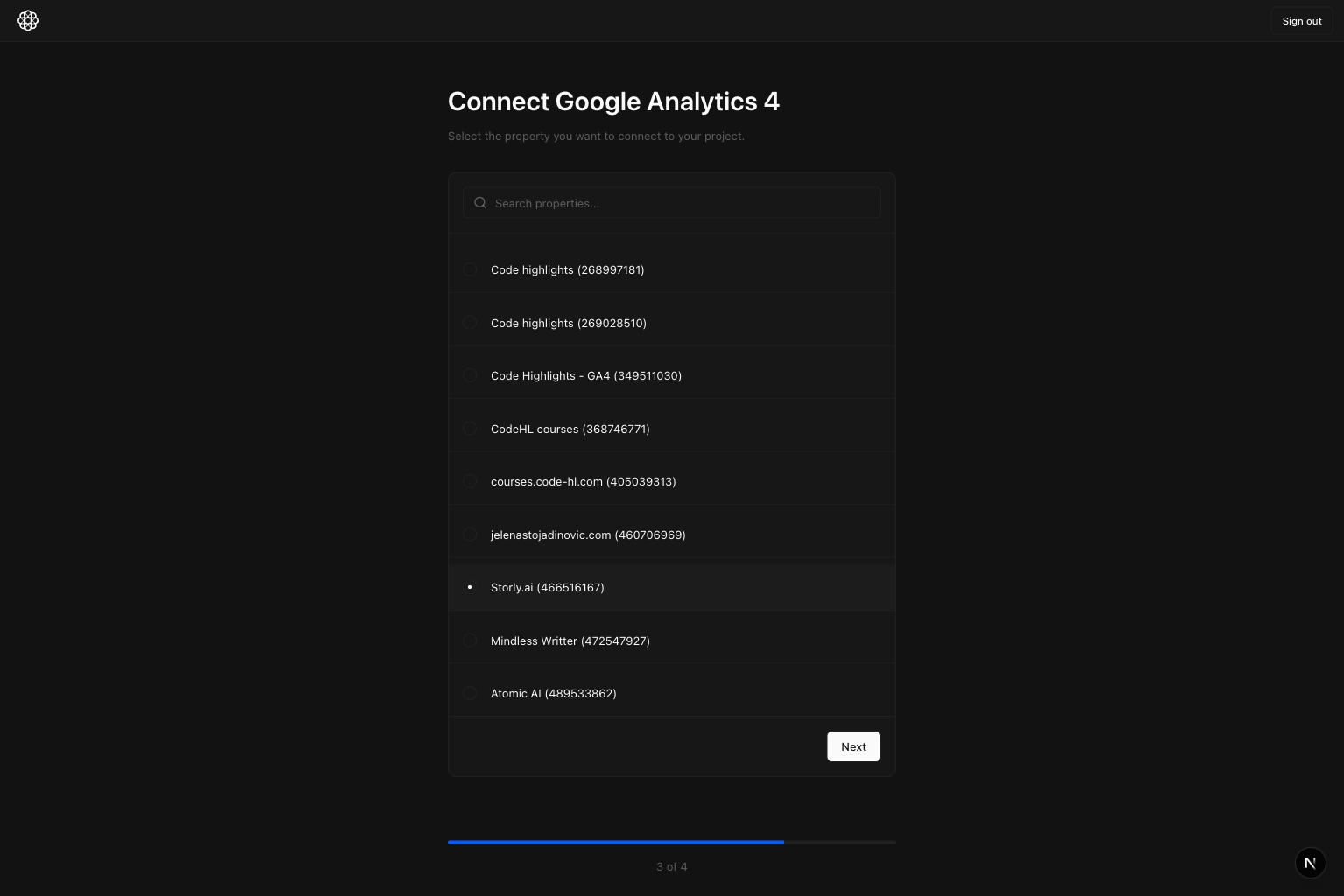
Step 7: Select your conversion event(s) and connect
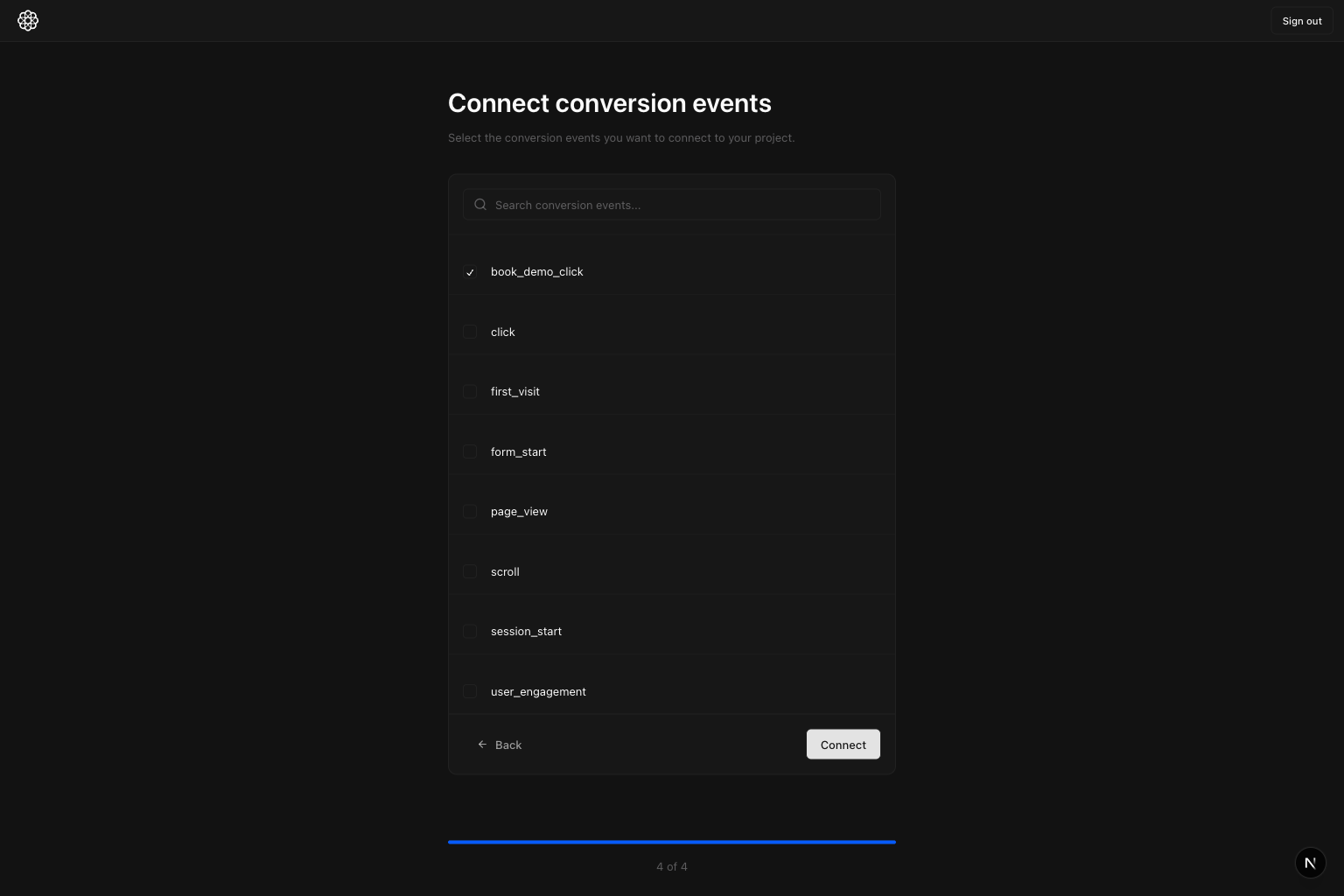
Connect.
The screenshot shows book_demo_click as an example.
Examples:
book_demo_click- lead form submit
- trial start
Initial setup complete: what should be connected
At this point, your onboarding setup is done when all three are connected:- Google Search Console
- Google Analytics 4
- Conversion events
Where to go next
AI prompts are the next phase after initial setup. Next, go to AI Search Prompts and add the prompts you want to track.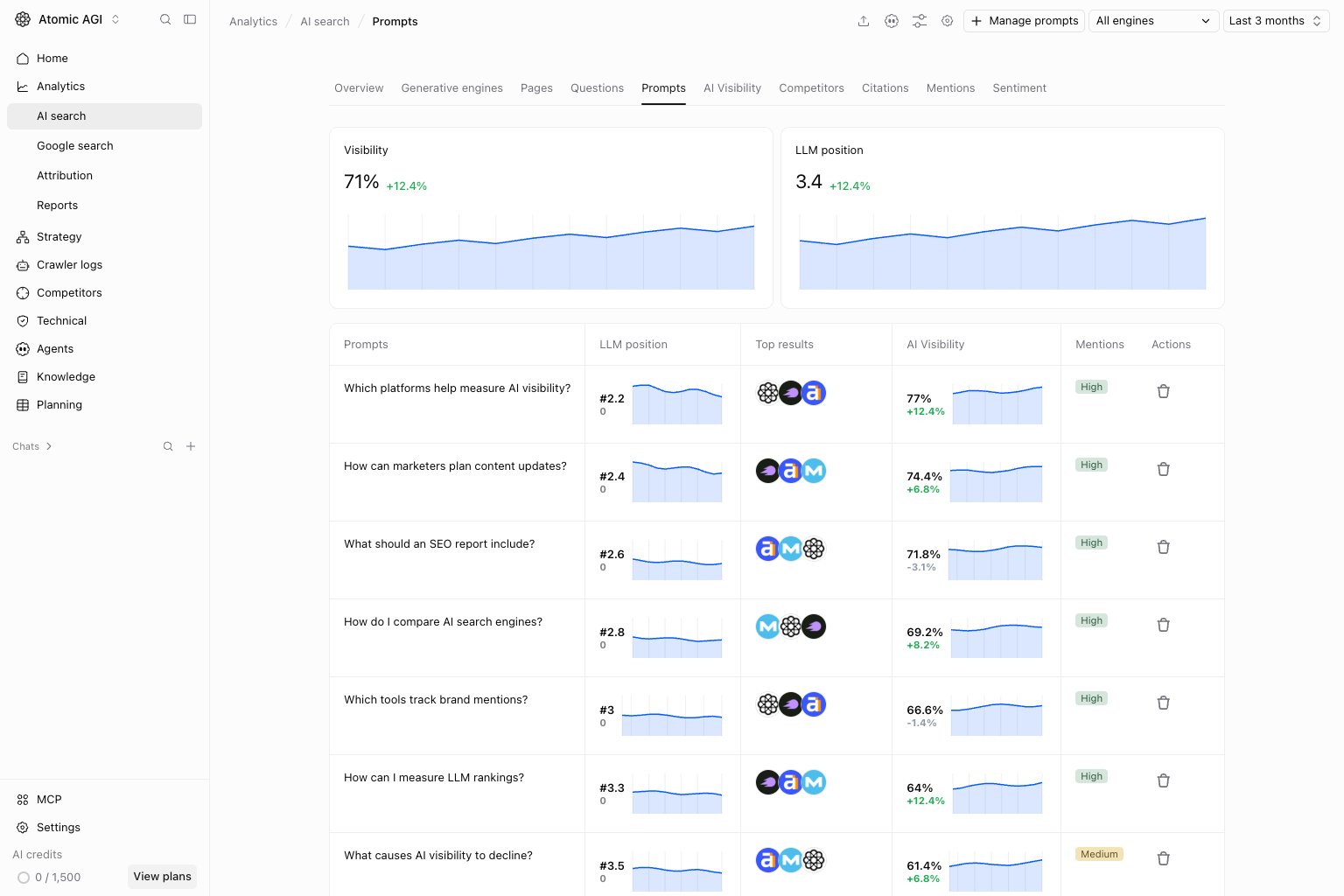
- Awareness: broad discovery questions.
- Comparison: alternatives and evaluation questions.
- Decision: high-buying-intent questions.