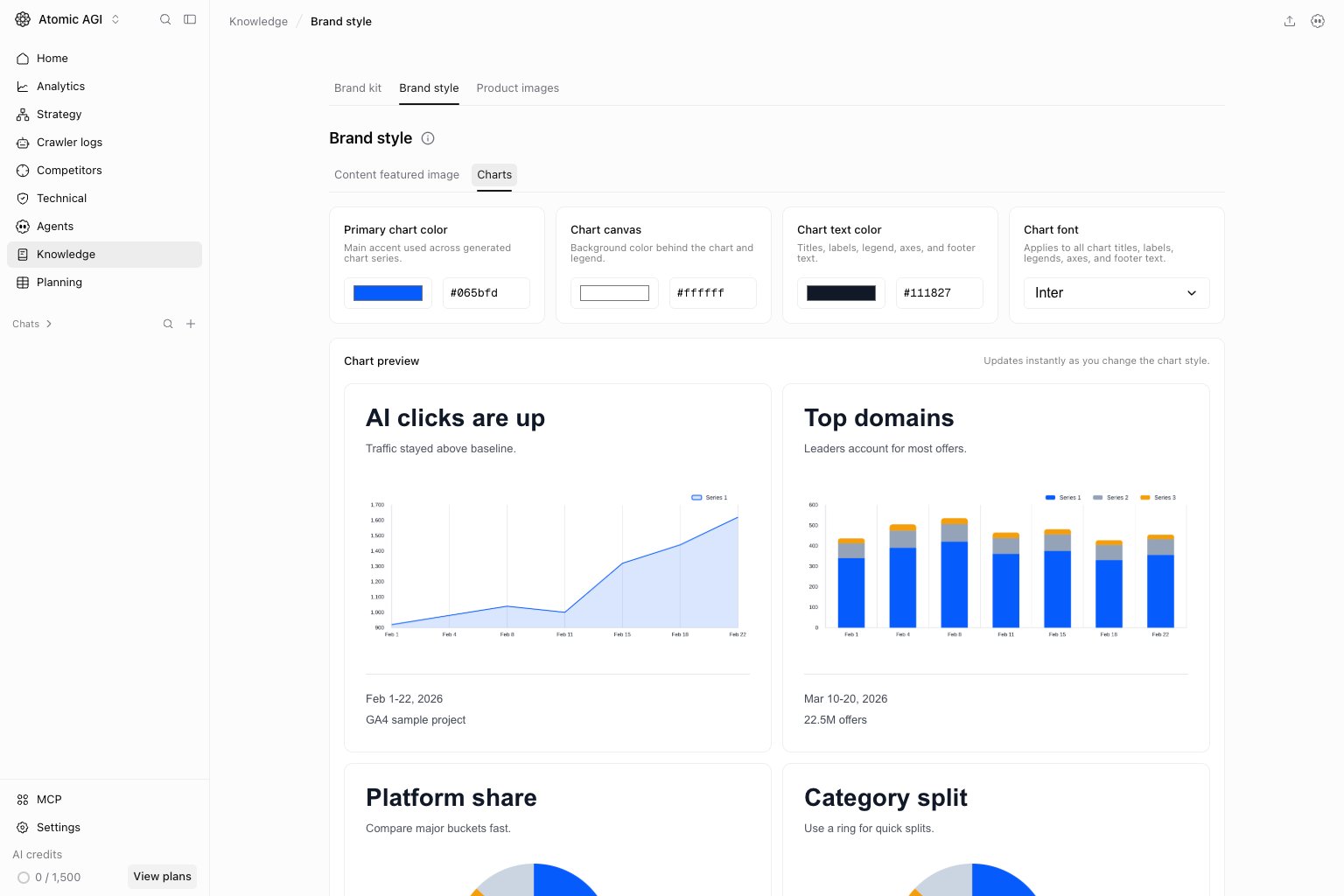

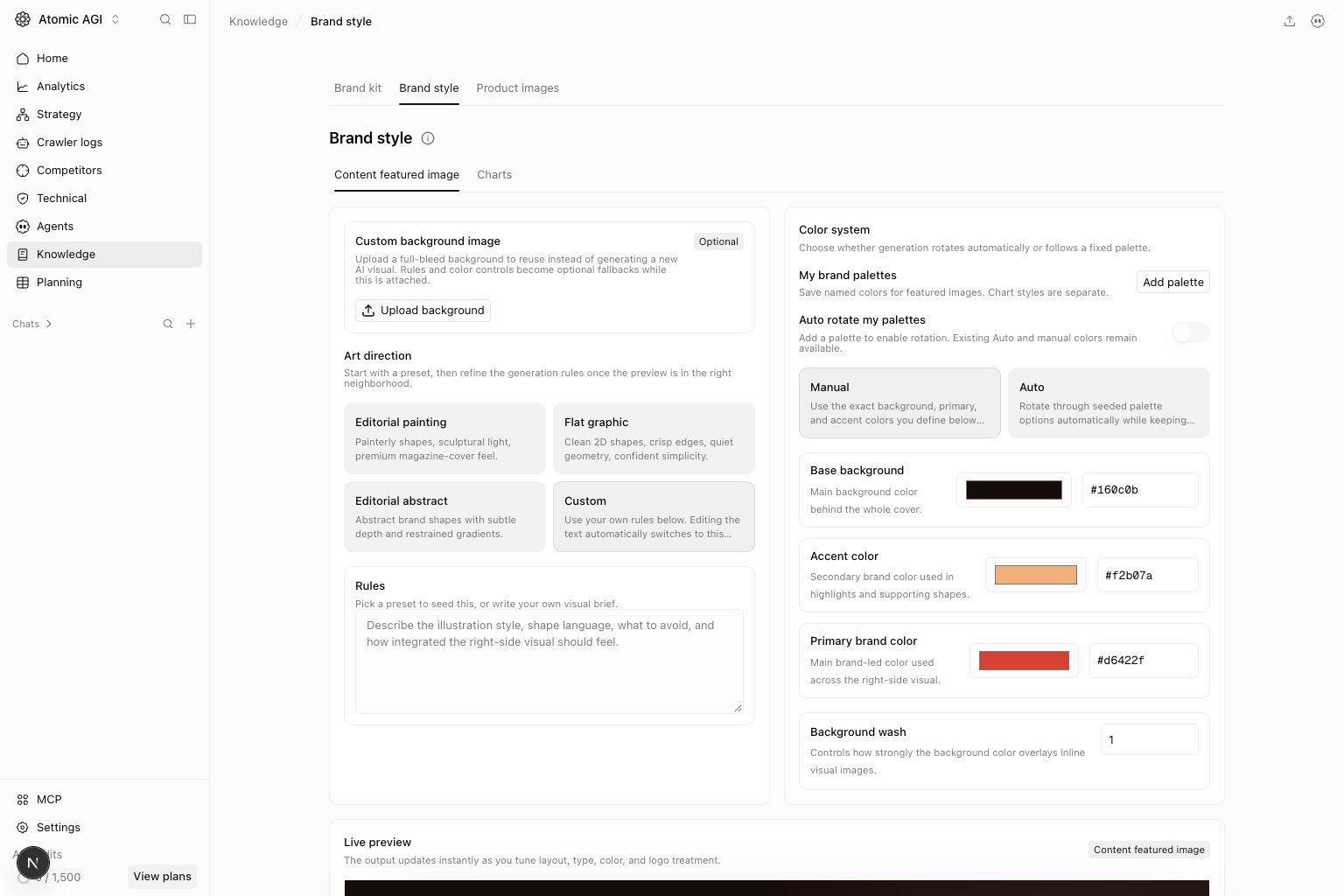
Choose visual defaults
Review the available style presets and preview before changing individual settings. Use colors, logo variants, typography, and layout that work together. A logo designed for a dark background may become unreadable on a light cover.Content featured image tab
Set the featured-image style and palette, background wash, layout, and text treatment. Use the preview to check contrast and title legibility. Reduce background wash if it overwhelms the subject. Custom rules should describe visible choices rather than vague adjectives.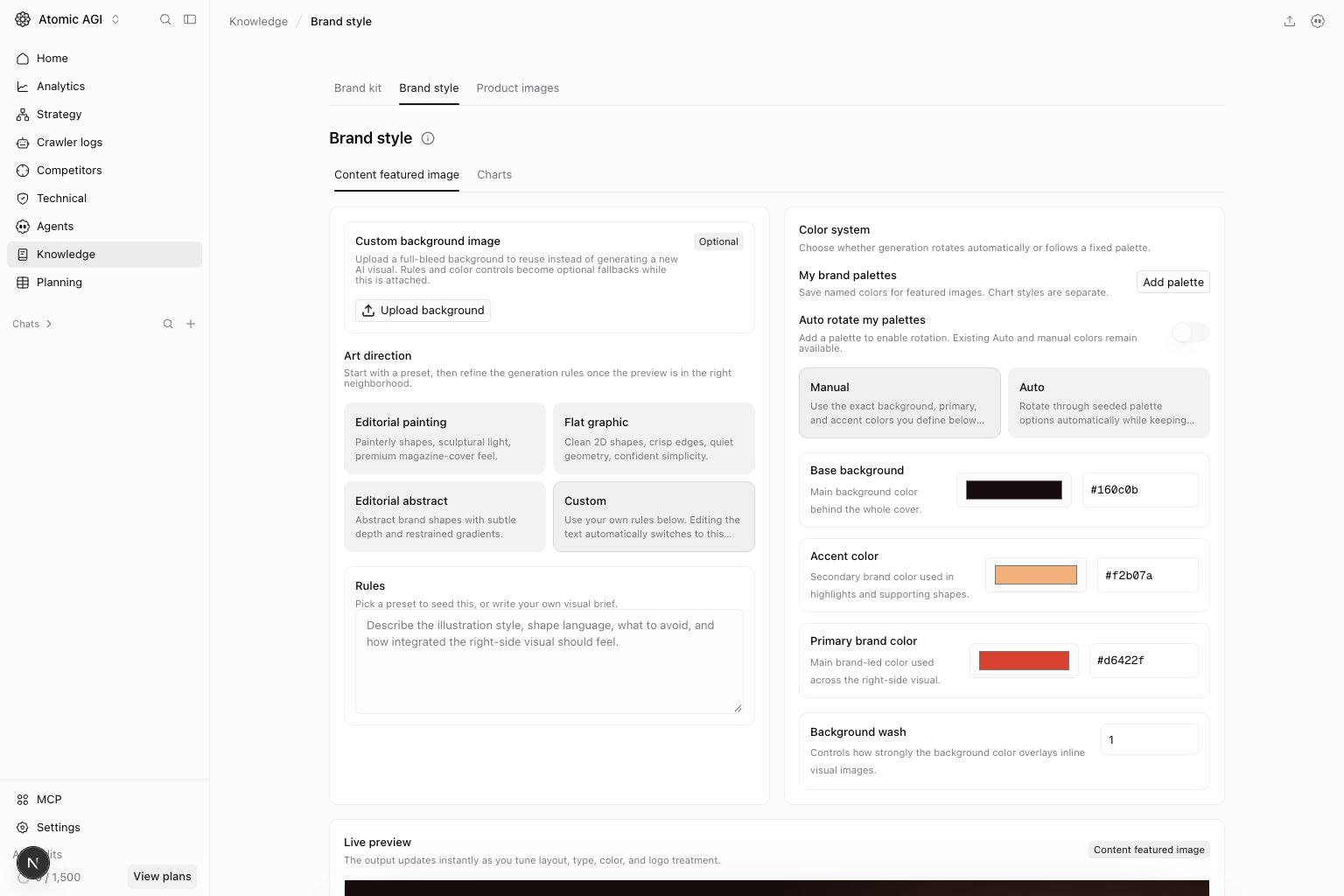
Charts tab
Check the chart examples for readable labels and distinguishable series. Use a consistent palette so the same category is recognizable across reports. Visual defaults guide new outputs; review existing published assets separately.