

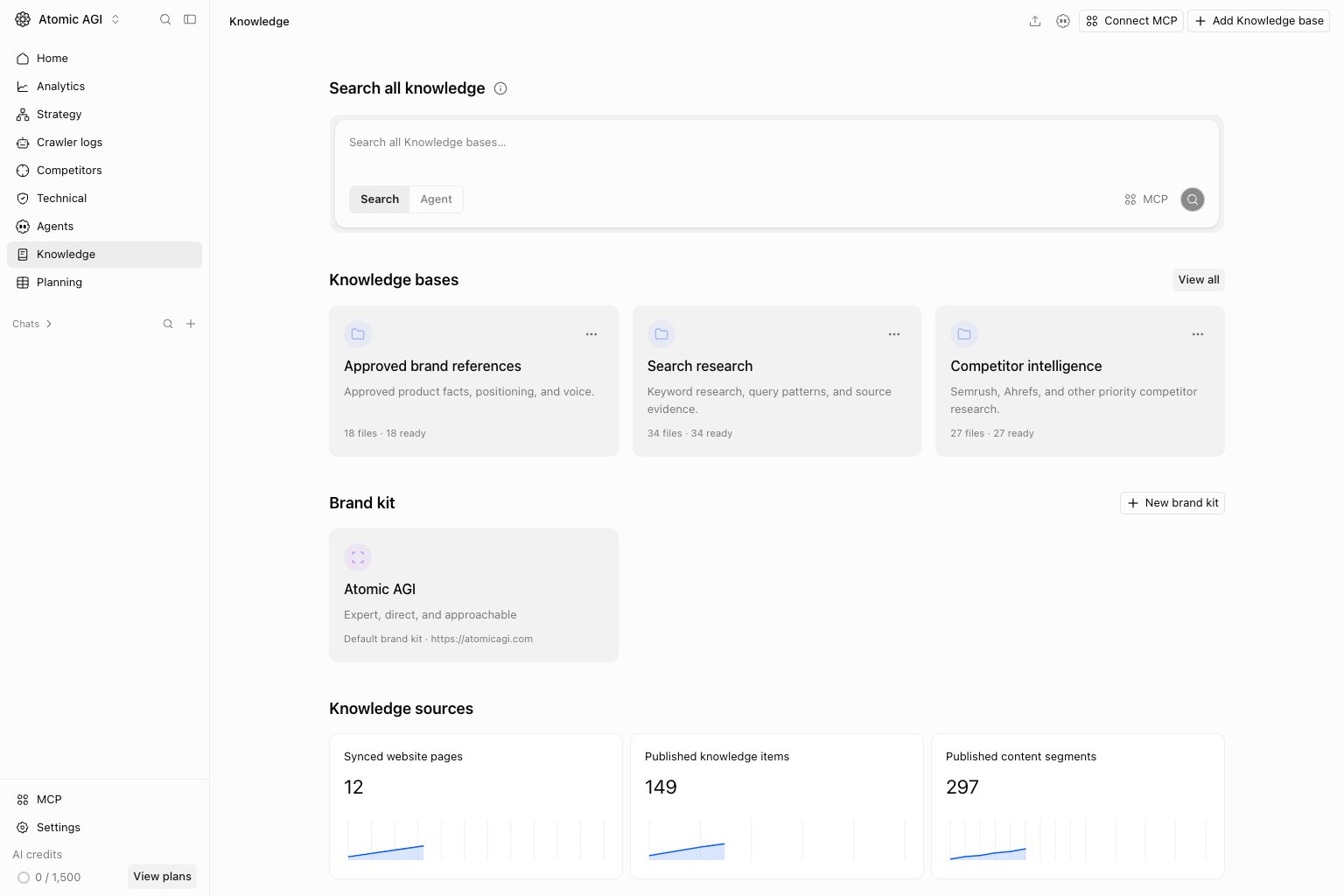
Search tab
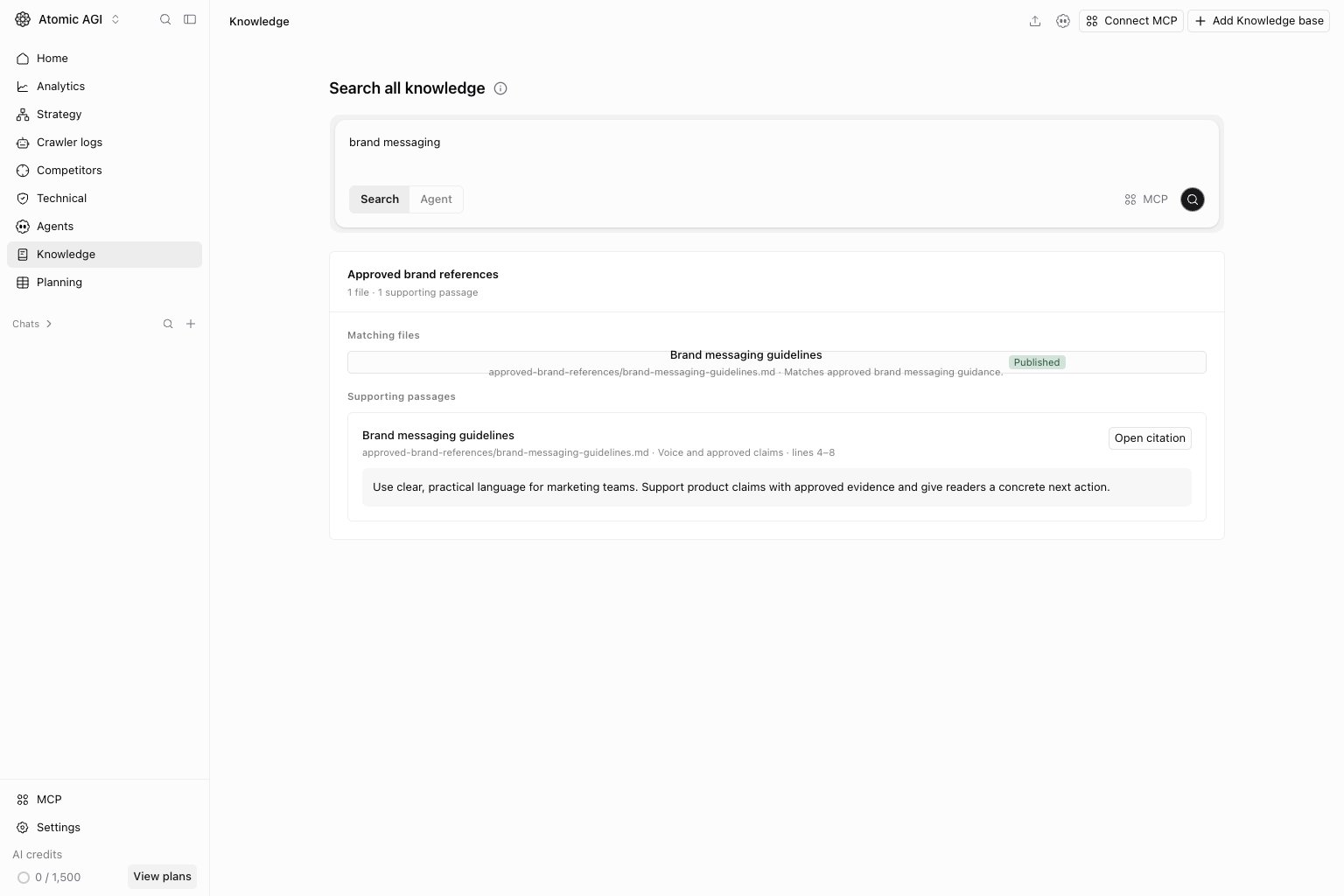
Enter a specific question inSearch all knowledge. Use Search to find supporting material across accessible bases. Open the returned passage and source before treating it as evidence. An empty result can mean the content is absent, still indexing, or outside your access.
Agent tab
Switch to Agent when you want help interpreting or working with knowledge. State the task and the evidence you need. Review source citations and any proposed changes before relying on the result.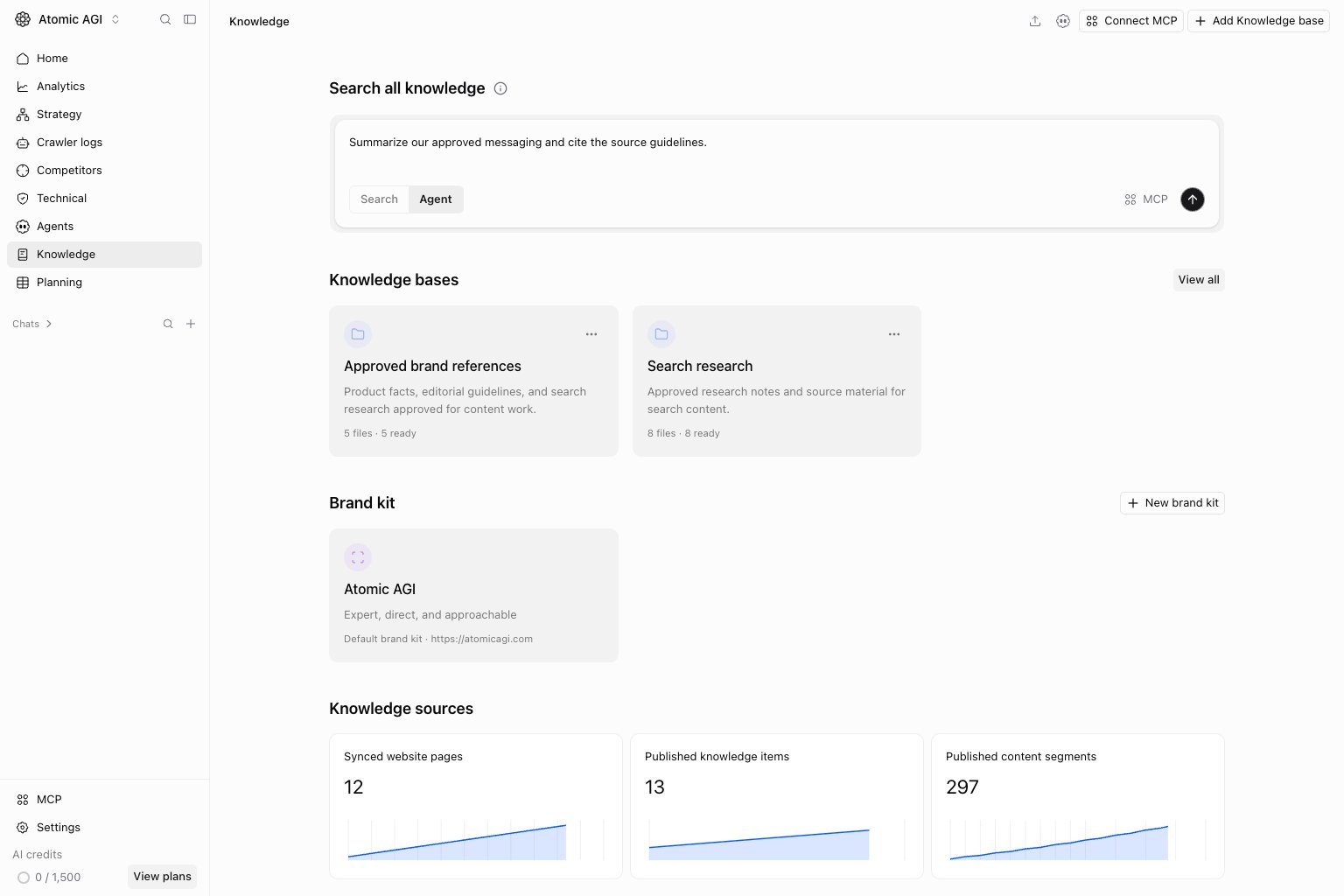
Knowledge bases and brand kits
Open a base card for its folders and files, or useView all to open the bases collection. Add Knowledge base creates a separate collection with its own purpose. See Knowledge bases for adding material, indexing, search, and citations.
Open a brand kit card to edit brand identity and writing guidance. New brand kit creates another kit for a distinct brand or context. Use Brand style for generated image and chart styling and Product images for reusable assets.