

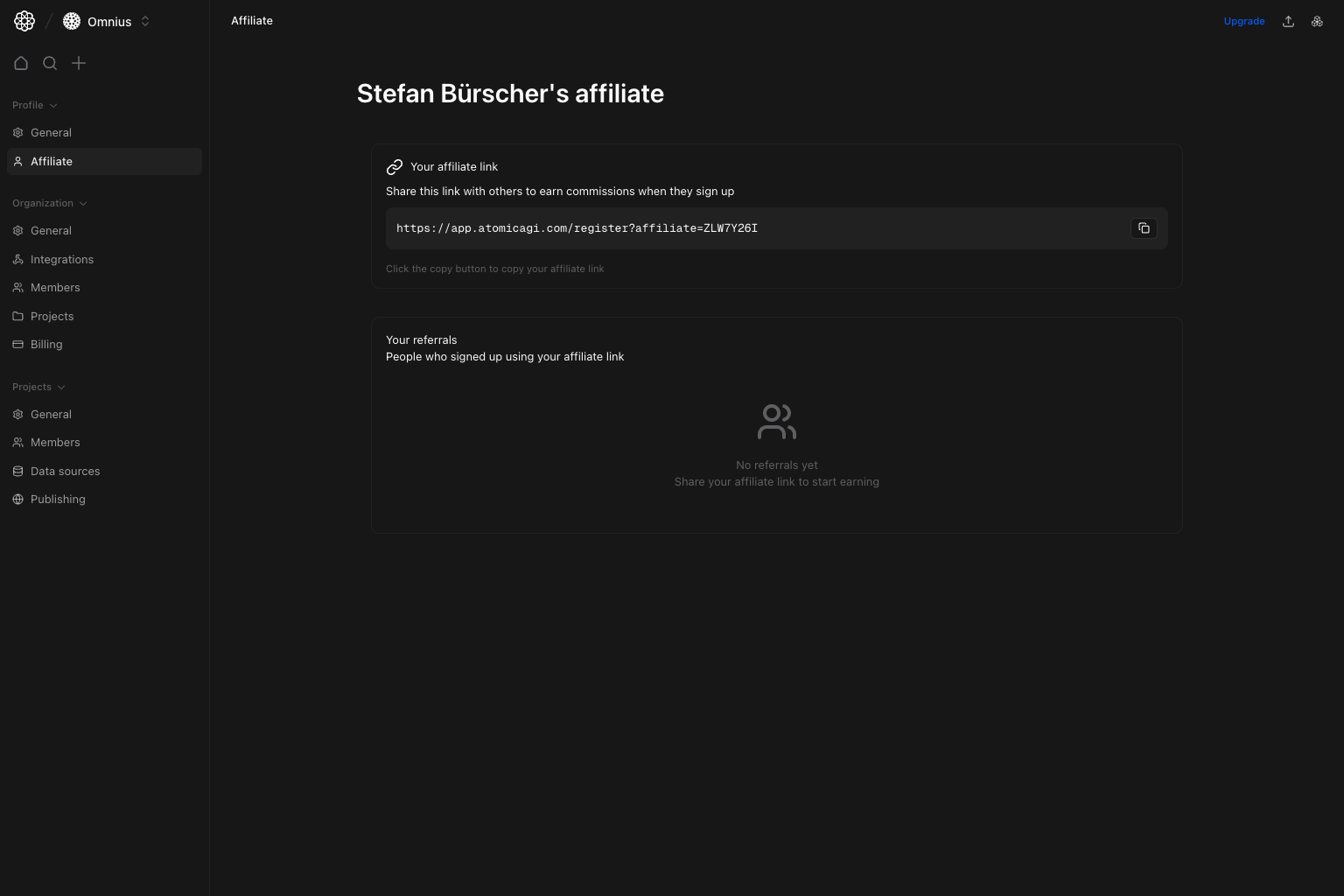
Important: Always share the generated URL from this page. Manually edited referral links are the most common attribution mistake.
Questions this page should answer
- Do I already have an affiliate link?
- What is the affiliate program used for?
- How do I copy and share the correct referral URL?
- Which referrals are active vs inactive?
Before you use this page
- In the app, open your profile settings and select
Affiliate. - If no code exists yet, generate one first.
- Use the exact generated URL when sharing.
What this page controls
- Affiliate link generation (with terms confirmation on first generation).
- One-click copy for the referral URL.
- Referral list with user status badges (
Active/Inactive).
What the affiliate program is
Atomic AGI’s affiliate program lets you invite new users with your unique referral link.- When someone signs up using your link, they are attributed to your affiliate code.
- Referred users appear in your referrals list so you can track activity.
- Program terms and eligibility details are confirmed during affiliate code generation.
How to use it end to end
- Generate your affiliate code once.
- Copy the exact referral URL from this page.
- Share that URL in channels you own (email, social, website, communities).
- Review referral status regularly and improve where conversion quality is low.
How to use this page
Generate your code once
If you do not have a code yet, clickGenerate affiliate code, review the terms dialog, and confirm.
Share the exact link
Use the copy button so the full URL includes your affiliate parameter.Track referral quality
Review the referrals list regularly to see who converted into active subscribers and where follow-up is needed.Quick weekly checklist
- Confirm your affiliate link still copies correctly.
- Check new referrals and active/inactive mix.
- Flag large changes in referral activation rate.
What to fix first
Team routine
- Weekly: review referral status changes.
- Monthly: compare active referrals by sharing channel.
- After campaigns: verify the exact referral URL used.
Keep in mind
- No referrals is a valid state; the page starts empty until signups happen.
- Link accuracy matters more than volume when troubleshooting attribution.
ActiveandInactivestatus helps you understand referral quality, not just referral count.