

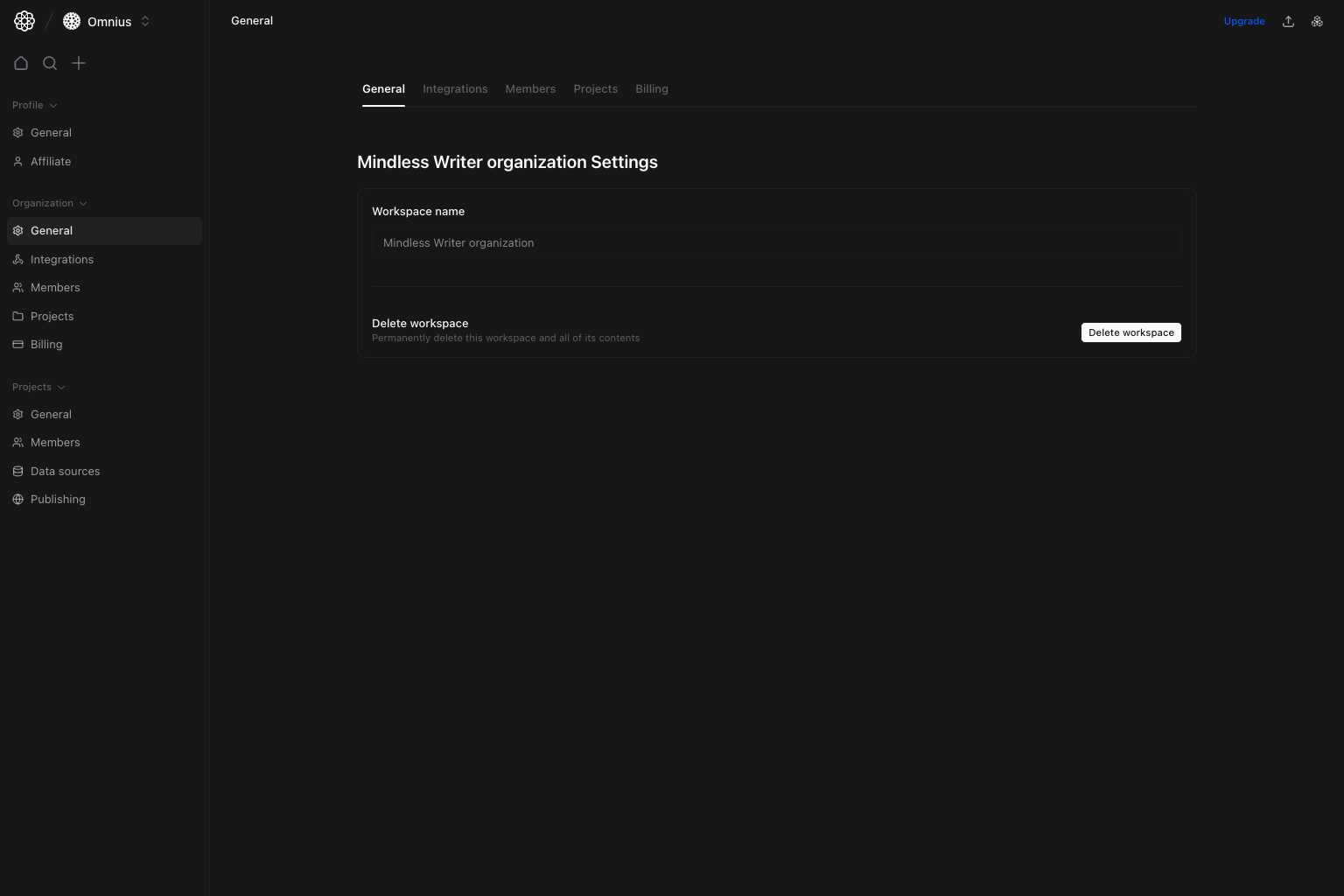
Important: Organization-level changes can affect every project in the workspace. Confirm scope before using destructive actions.
Questions this page should answer
- Is the organization name correct?
- Who can perform destructive organization actions?
- Is this the right scope for the change I need?
Before you use this page
- In the app, open Organization settings and select
General. - Confirm you have the required role for write actions.
- Double-check scope before destructive operations.
What this page controls
- Organization/workspace name (displayed read-only in this view).
Delete workspaceaction for admins.- Entry point to other organization tabs (
Integrations,Members,Projects,Billing).
What this page gives you
- A fast identity check for the active organization.
- A clear boundary between organization-level settings and project-level settings.
- The destructive workspace action in one predictable location.
How to use this page
Treat delete as an irreversible action
Delete workspace removes workspace data, projects, members, and settings. Use only when intentionally decommissioning the organization.
Use this page for identity checks
When auditing environment correctness, start by confirming the organization name in this tab.Move to specialized tabs for operations
Member management, integrations, and billing are handled in their dedicated organization tabs.Quick monthly checklist
- Confirm organization identity is still correct.
- Revalidate who has access to destructive organization actions.
- Route operational tasks to the correct organization tab.
What to fix first
Team routine
- Monthly: confirm organization identity and destructive-action ownership.
- After team changes: review workspace-level permissions.
- Before deletion: confirm projects, billing, data exports, and owners.
Keep in mind
- Changes here can affect all projects in the organization.
- Most daily operations happen in
Members,Projects,Integrations, andBilling.