

Questions this page should answer
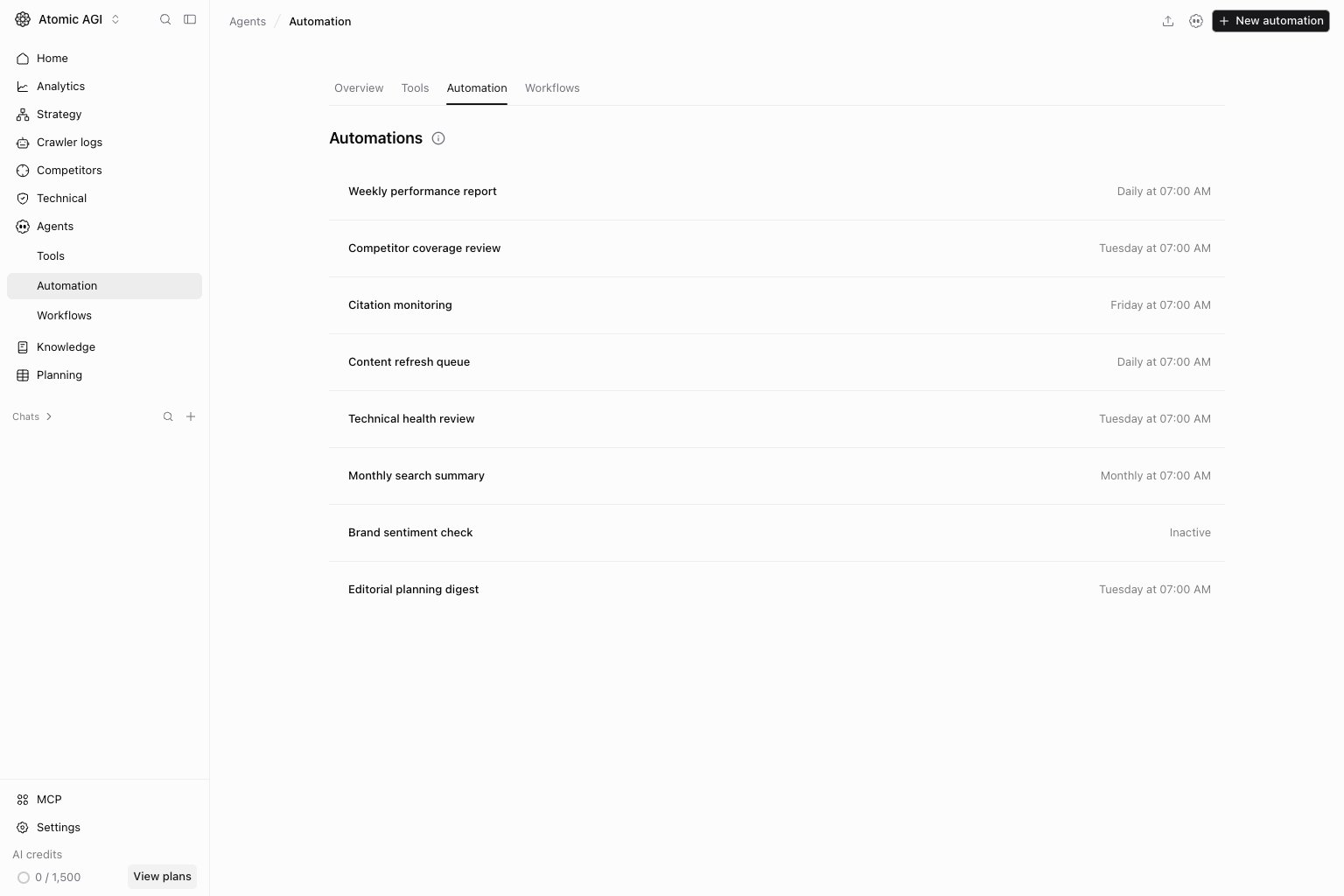
- Which recurring automations already exist?
- Which template should we use for the next recurring job?
- Which automation should be paused, edited, run now, or removed?
Before you automate
- Run the prompt manually in New chat before scheduling it.
- Confirm the output has a clear owner and review rhythm.
- Decide whether this should be an Automation or a full Workflow.
- Keep the first version narrow: one recurring question, one expected output, one cadence.
What this page gives you
- Template groups for recurring report, content, and triage jobs.
- Cadence defaults for each template.
- Automation cards with run, edit, pause, and delete actions.
- Detail pages for the prompt, schedule, model, status, and previous runs.
Create an automation
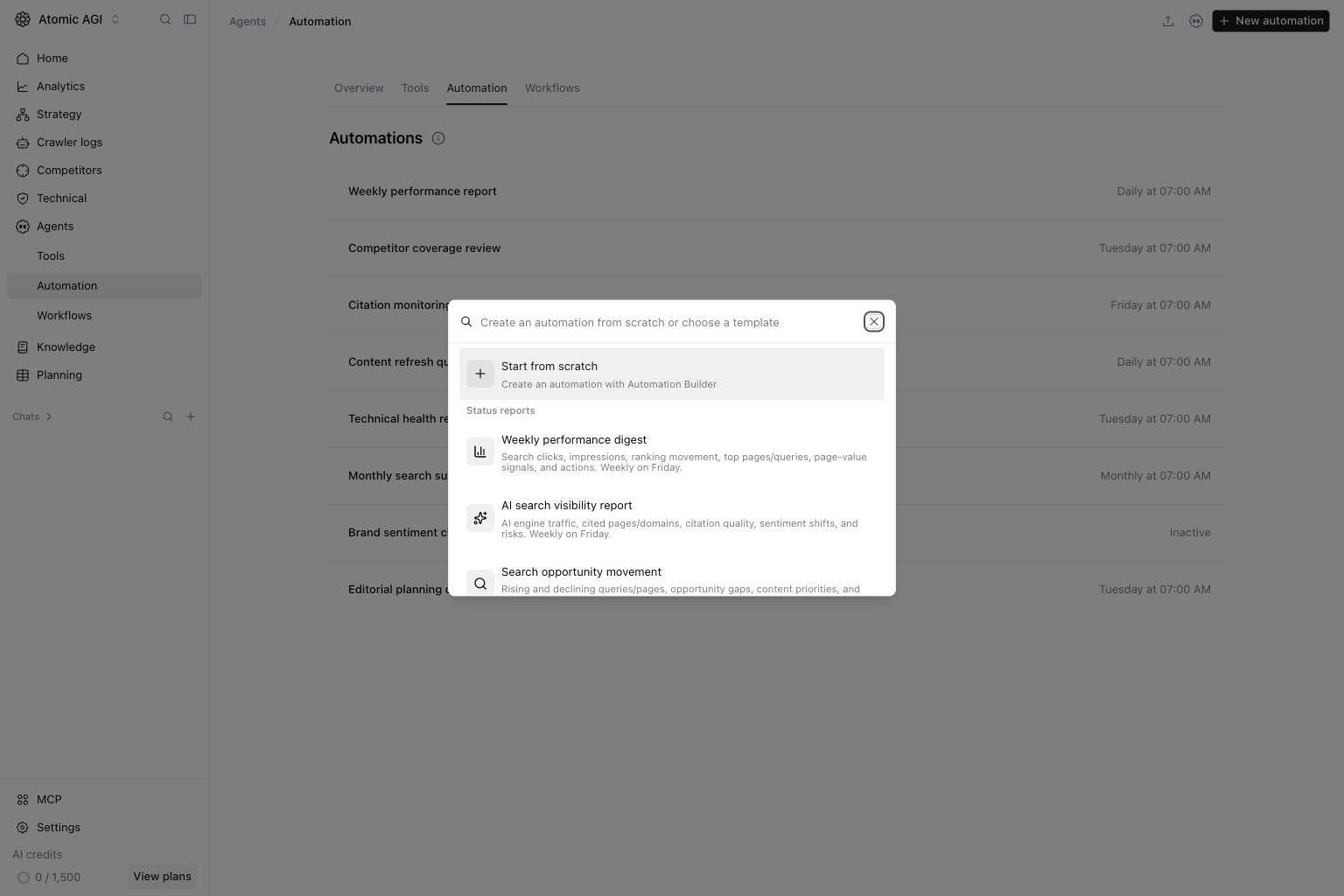
Open Agents → Automation and selectNew automation. Choose a template from Status reports, Content prep, or Incidents & triage, or use Start from scratch to open Automation Builder. Review the prompt, model, and schedule for the selected project before enabling it. Template cadence is a starting point, not a requirement.
How to read the automation library
Read each automation card as an operating commitment:Name: what recurring question or output this automation owns.Template: the starting pattern used to create the automation.Cadence: how often the conversation will run.Status: whether the automation is active, paused, or needs attention.Previous runs: whether the scheduled output is staying useful over time.
- If the output needs multiple tools, branching, or structured handoffs, use a Workflow.
- If the output is a recurring agent conversation with a stable prompt, use an Automation.
- If the prompt still changes every time you run it, keep it in New chat until it stabilizes.
How to use this page
Start from the closest template
Templates reduce setup mistakes. Pick the nearest recurring use case first, then tighten the prompt instead of starting from a blank automation every time.Keep cadence proportional to decision value
Daily or every-48-hour runs only make sense when the output creates real decisions. Low-value prompts should stay weekly or monthly.Review previous runs before editing
If an automation underperforms, inspect the last outputs first. Weak recurring output usually needs a better prompt, tighter tool scope, or a lower cadence.Quick weekly checklist
- Review failed, paused, or stale automations first.
- Check whether active automations still match the current reporting rhythm.
- Open recent runs and confirm the output is still actionable.
- Pause automations that no one reads or uses.
- Convert repeatable multi-step automations into workflows when they outgrow a single prompt.
What to fix first
Team routine
- Weekly: review recent runs and pause anything not used.
- Bi-weekly: promote proven automations into team operating routines.
- Monthly: delete obsolete automations and document the few that matter.
Keep in mind
- Automations are scheduled agent conversations, not full workflow graphs.
- A bad prompt becomes expensive faster when it is scheduled.
- Run a manual version first if you are not sure the prompt is stable.