

Questions this page should answer
- What is open, blocked, or done right now?
- Who owns each task?
- Which agent or conversation produced the work?
Before you triage
- Start with the team’s current operating window: today, this week, or sprint.
- Decide whether you are reviewing human-owned work, agent-owned work, or both.
- Confirm task status definitions are used consistently by the team.
- Open the originating conversation when task context is unclear.
What this page gives you
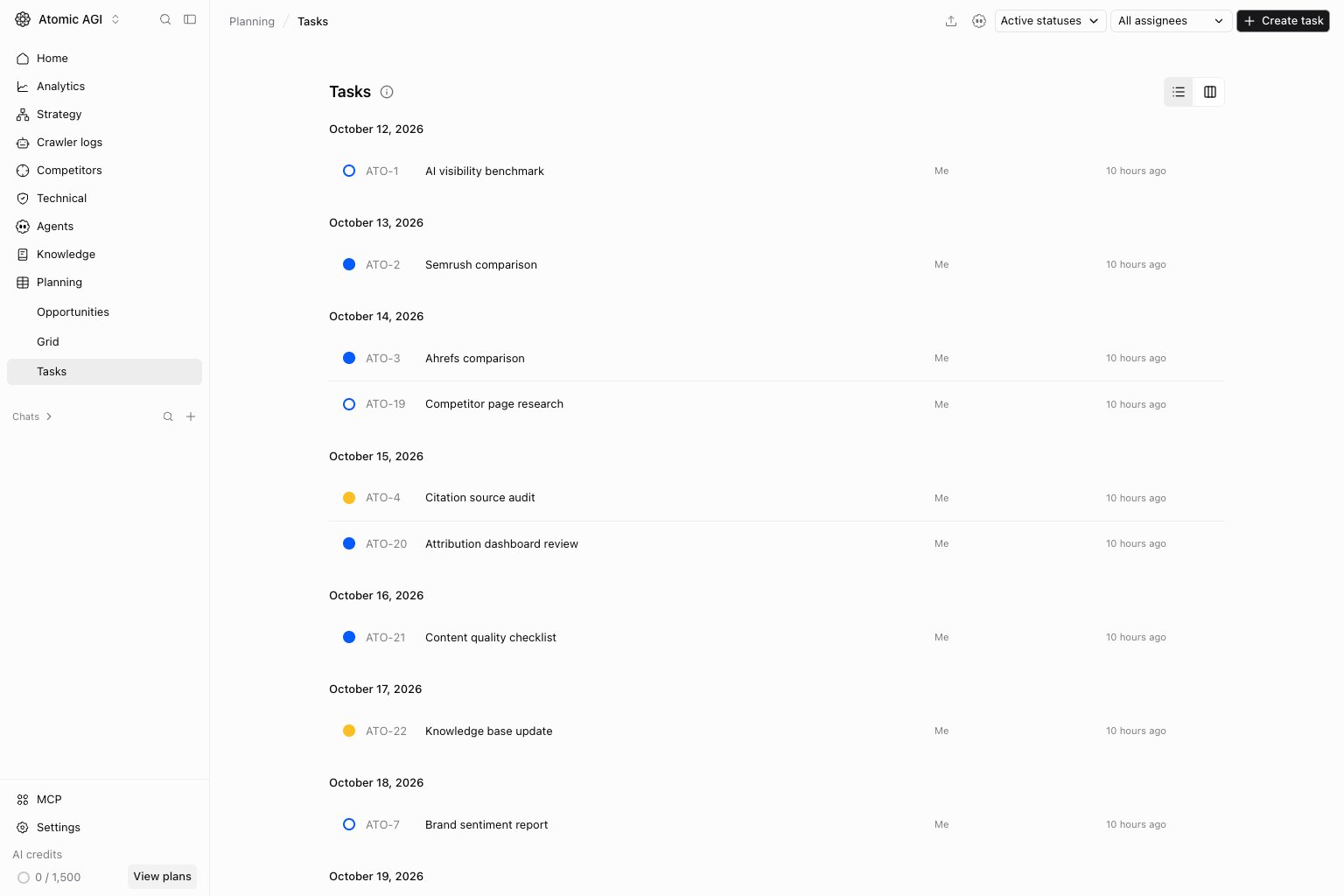
- List and board views.
- Status filters for
Open,In progress,Blocked,Done, andCanceled. - Assignee filters for you, the general agent, unassigned work, or specific agents.
- Task detail, checklist progress, and conversation links.
List view
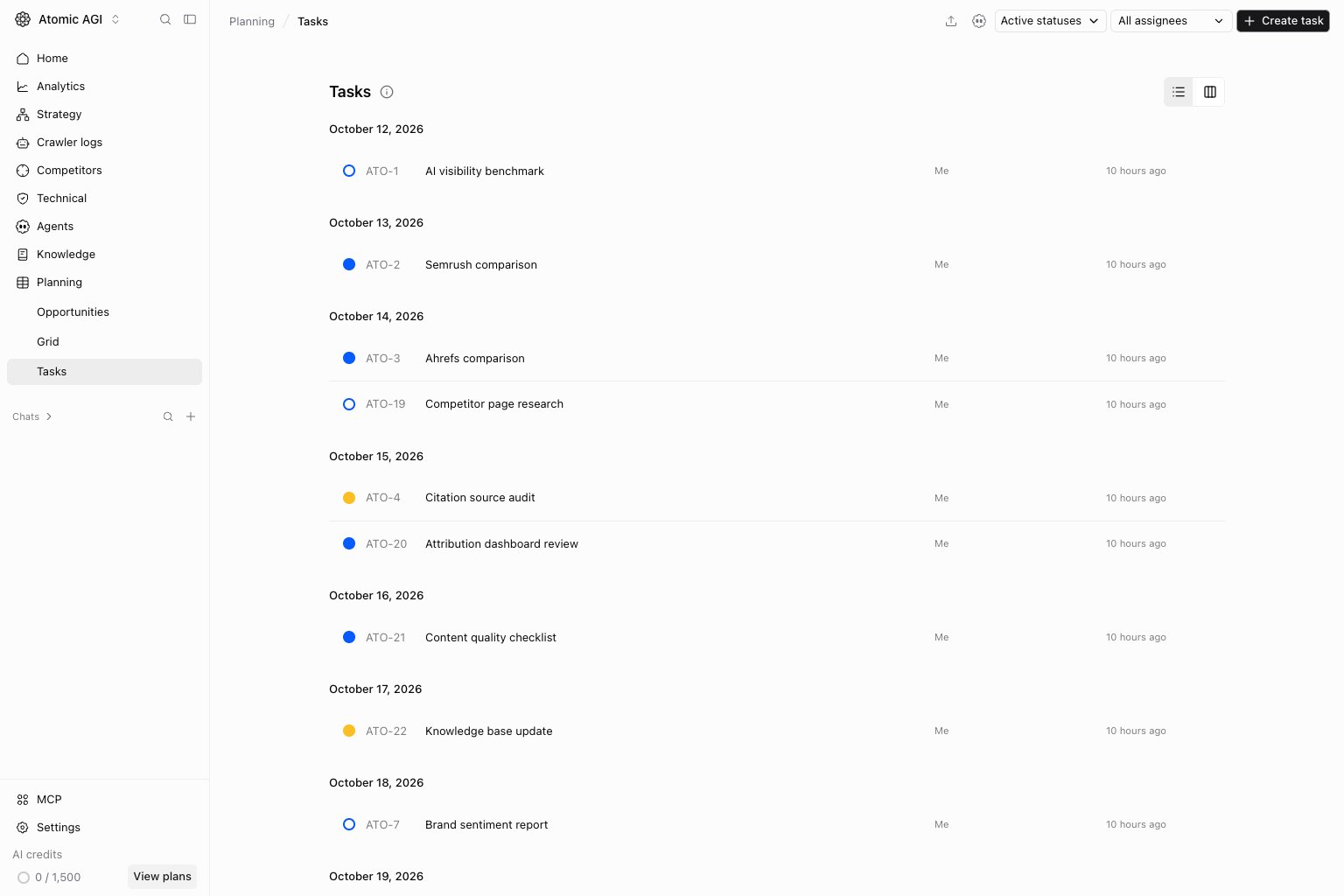
Use the list for detailed triage. Filter by status and assignee before reviewing ownership, progress, and the next action.Active statuses helps keep completed work out of the daily queue.
Board view
Switch to the board to compare work across statuses. Review blocked or inactive work before adding more tasks. The same filters apply to your chosen scope.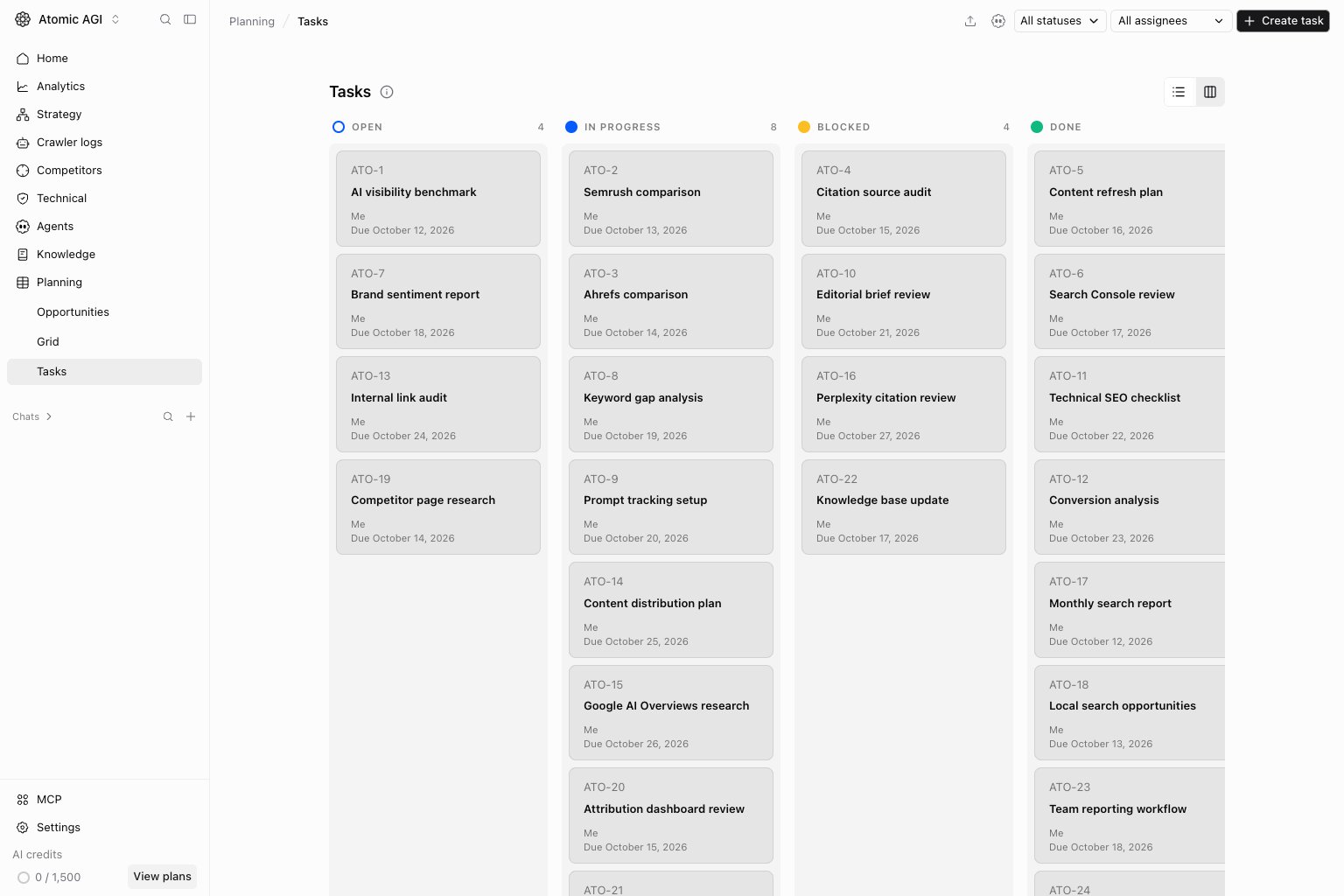
Create a task
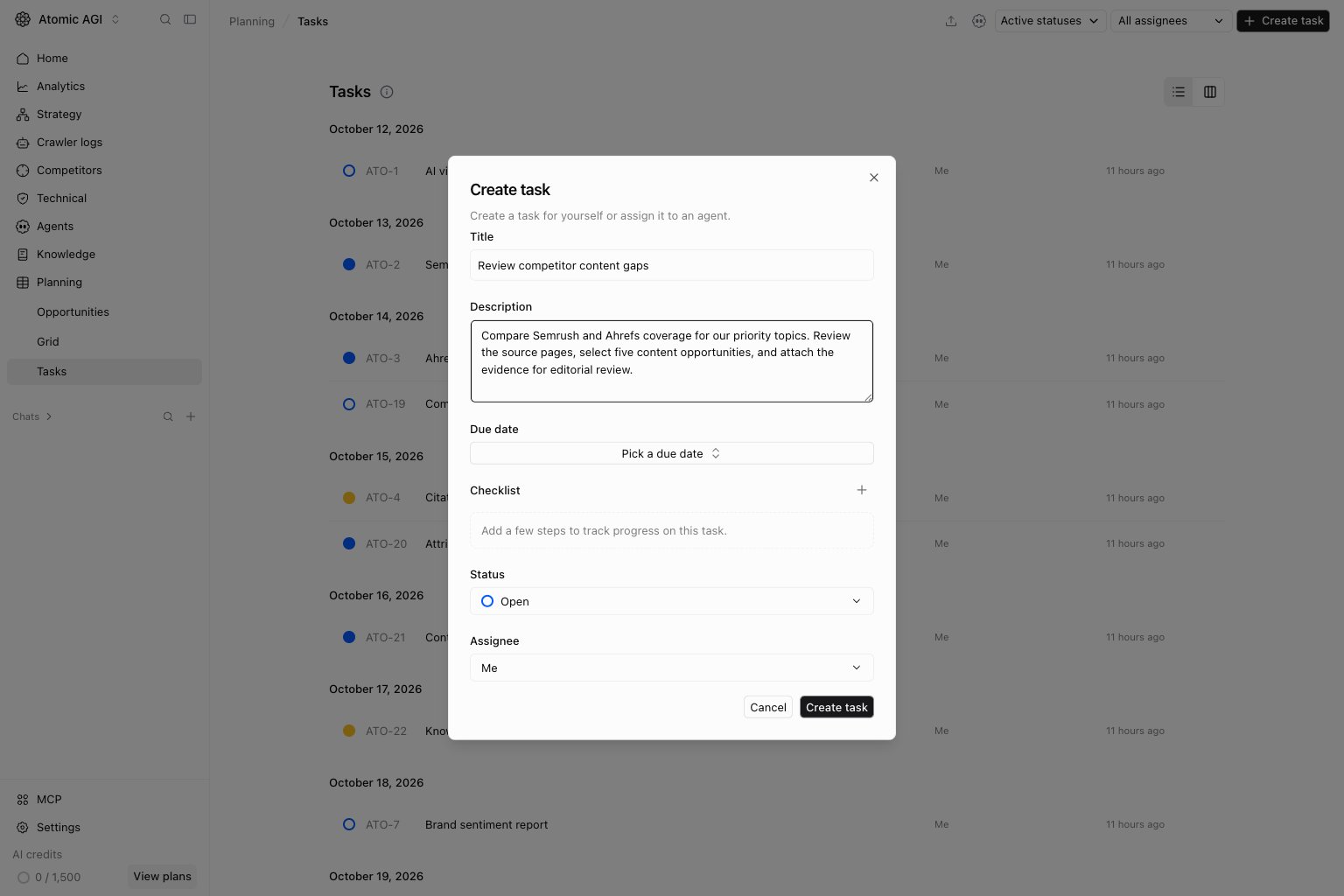
UseCreate task and fill in a Title, optional Description, Due date, Checklist, Status, and Assignee. Assign it to yourself or an appropriate agent. Review the task details before relying on an agent to execute it; creating a task and completing its work are separate events.
How to read the task queue
Review the page in this order:Blocked: work that needs a decision, missing context, or reassignment.In progress: active work that may need owner confirmation.Open: work that has not started.DoneandCanceled: completed history and cleanup signals.
- A task with no owner should be routed before it is refined.
- A blocked task should include the specific blocker, not only a blocked status.
- A task created from a weak agent output should trigger prompt or agent review.
How to use this page
Triage by status first
Review blocked and in-progress tasks before opening new work. A stale blocked queue usually means outputs are not turning into decisions.Check assignment mode
Some tasks belong to you. Others belong to a named agent or to the general agent. Use that distinction to decide whether the next step is execution, reassignment, or prompt cleanup.Use board view for flow, list view for detail
Board view is better for active movement across statuses. List view is better when you need identifiers, due dates, or denser review.Quick weekly checklist
- Clear stale blocked tasks first.
- Reassign unowned work to a person, named agent, or the general agent.
- Close done work that no longer needs review.
- Open conversation-linked tasks with unclear context.
- Flag repeated weak tasks back to the agent or workflow that created them.
What to fix first
Team routine
- Daily: scan blocked and in-progress work.
- Weekly: clean stale open tasks and review repeated failure patterns.
- Monthly: audit whether task categories match how the team actually works.
Keep in mind
- Too many unassigned tasks usually point to unclear routing.
- A growing blocked column usually means the upstream prompt or team needs work.
- Task quality depends on clear owners and clear finish criteria.