

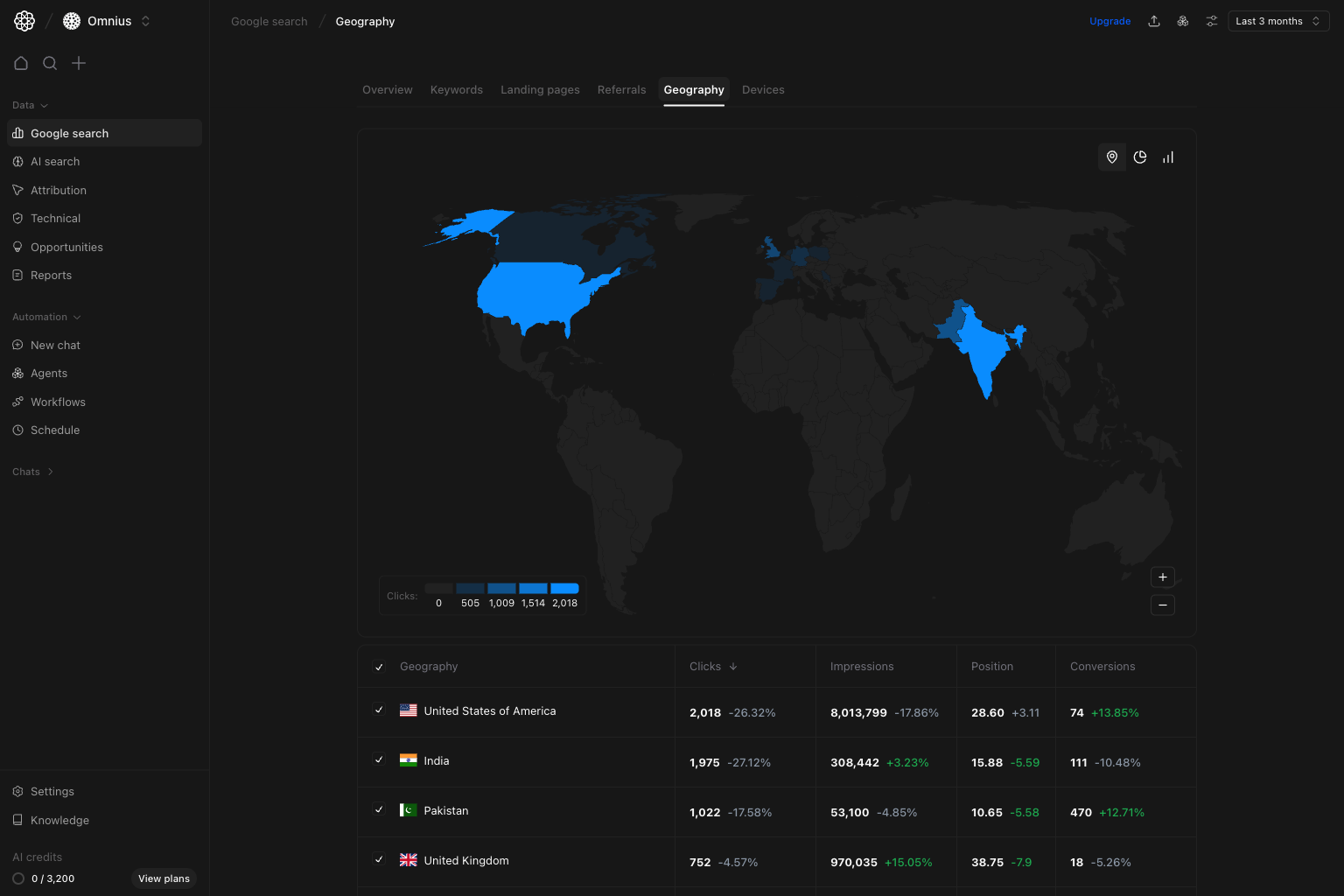
- Which markets are driving growth or creating drag?
- Where are impressions high but clicks weak?
- Which countries deserve localized content or technical focus next?
Important: Do not prioritize countries by traffic alone. Use conversion quality and ranking direction before assigning localization work.
Before you analyze
- Use comparable date ranges before judging market movement.
- Start globally, then isolate one region at a time.
- Review both volume (
Clicks,Impressions) and quality (Position,Conversions).
What this page gives you
The Geography page combines:- A world map heat layer to show click concentration by country.
- A country table with
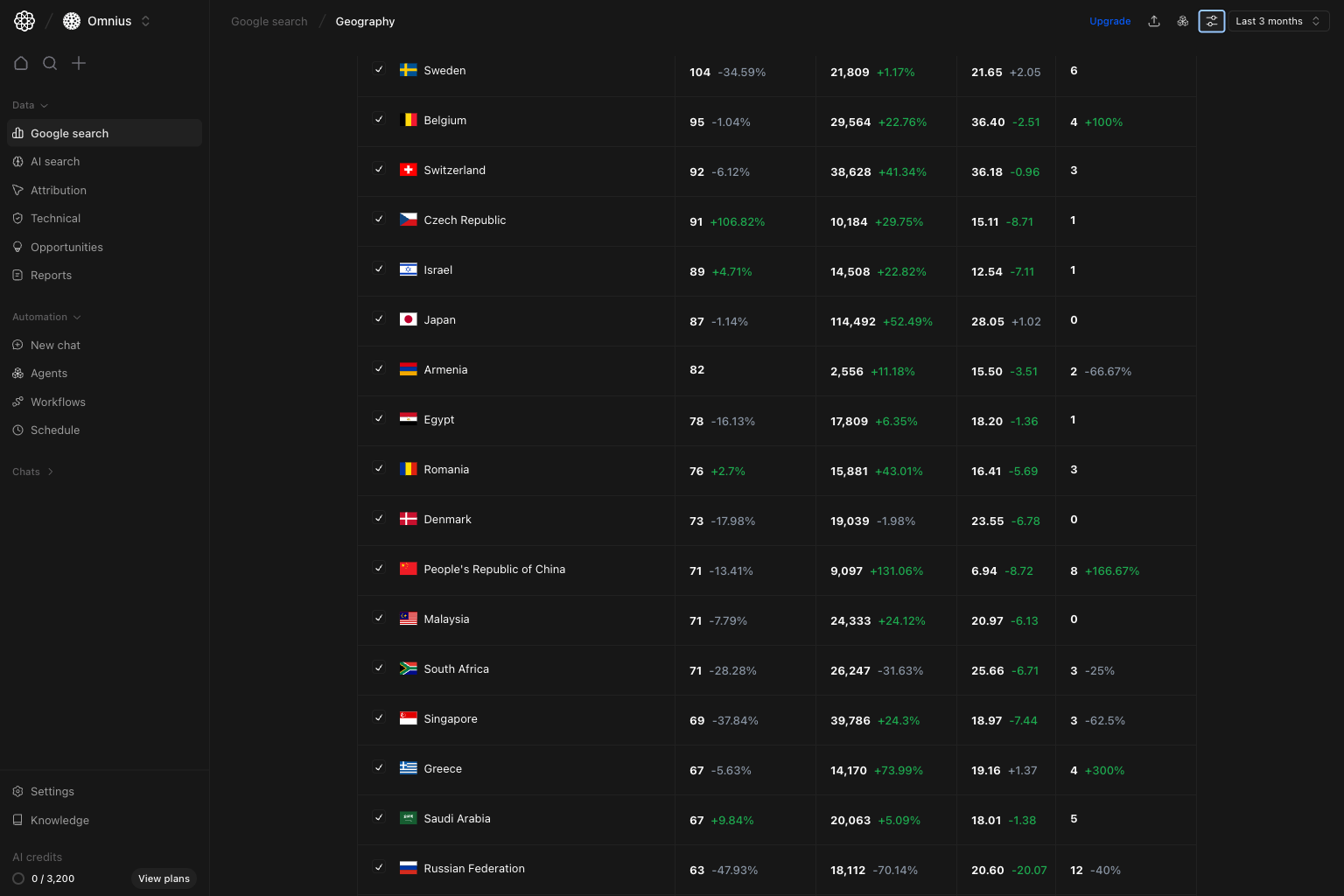
Clicks,Impressions,Position, andConversions. - View toggles in the map area for different perspectives.
- Shared filters (
Keyword,Page,Device,Country) for focused regional analysis.
How to read geography metrics correctly
Clicks: current traffic contribution by market.Impressions: search demand and visibility footprint in that country.Position: how strong your ranking is in local search.Conversions: helps you avoid over-prioritizing low-intent markets.
How these metrics are calculated (simple)
Quick weekly checklist
- Start with map concentration. Check if performance depends on a small number of countries.
- Scan top-country table rows. Find biggest movers in clicks and conversions first.
- Check ranking efficiency by market. Prioritize countries where position is improving but clicks lag.
- Compare mature vs emerging markets. Separate stabilization tasks from expansion experiments.
- Convert findings into localized actions. Assign language updates, regional content, and market-specific SEO tasks.
How to use filters
Use filters to test one country-specific idea before planning execution.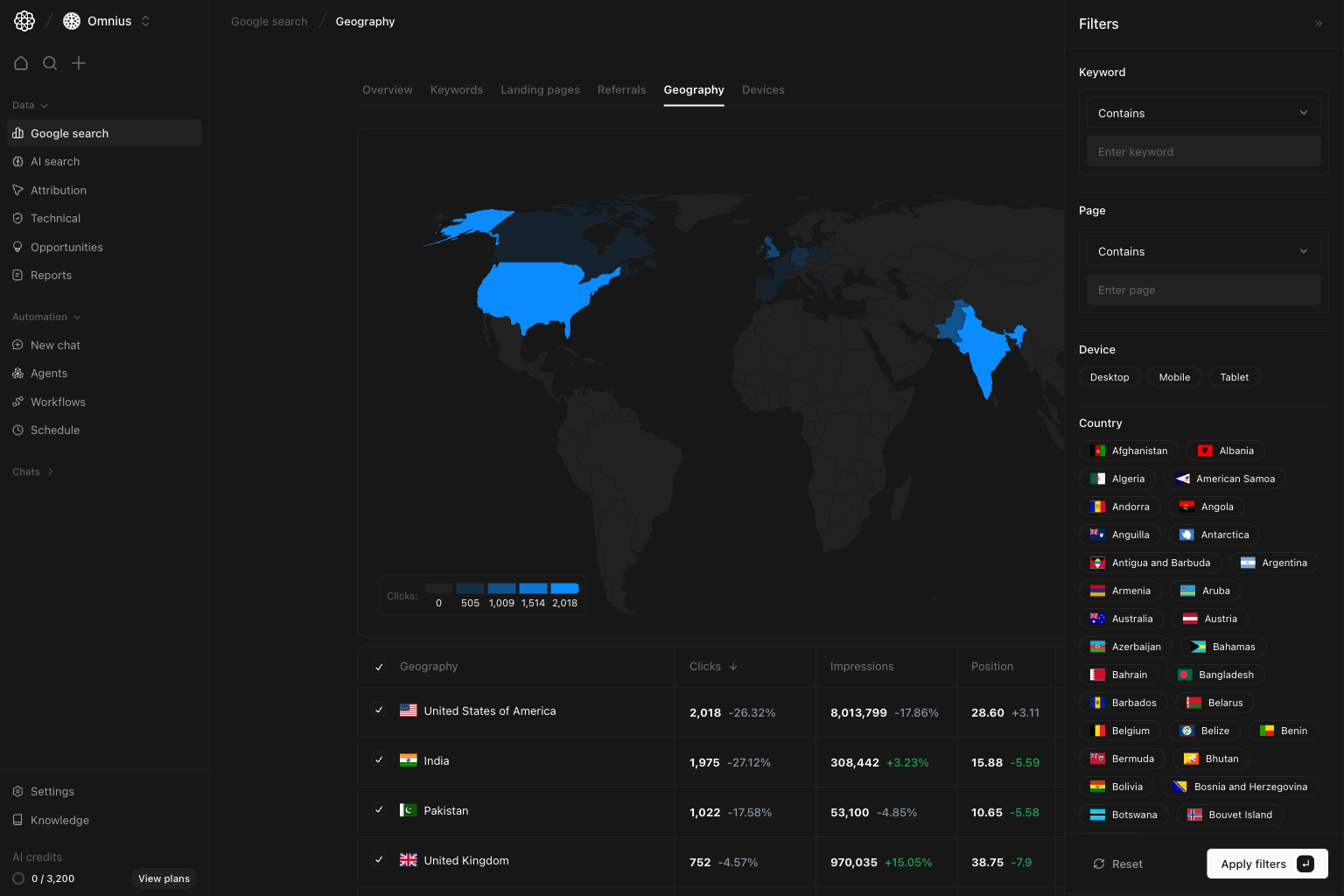
Country = [target market]Isolate one market to check local trend quality.Page contains [/blog/ or /product/]Compare template performance by country intent.Keyword contains [cluster term]Verify if a topic performs unevenly across markets.Device = MobileDetect regional mobile UX/ranking gaps.
What to fix first
Team routine
- Weekly: identify largest country-level gains/losses and assign owners.
- Bi-weekly: review conversion quality shifts in top markets.
- Monthly: publish regional scorecard with localized action plan.
- Quarterly: decide where to expand or reduce localization investment.
Keep in mind
- Country-level averages can hide city-level differences.
- Position is an average and not a single tracked keyword rank.
- New market growth can be noisy; confirm persistence over multiple periods.
Where to go next
- Google Search overview: macro trend context
- Keywords: query-level differences by market
- Landing pages: URL-level market outcomes
- Devices: mobile/desktop split by geography