

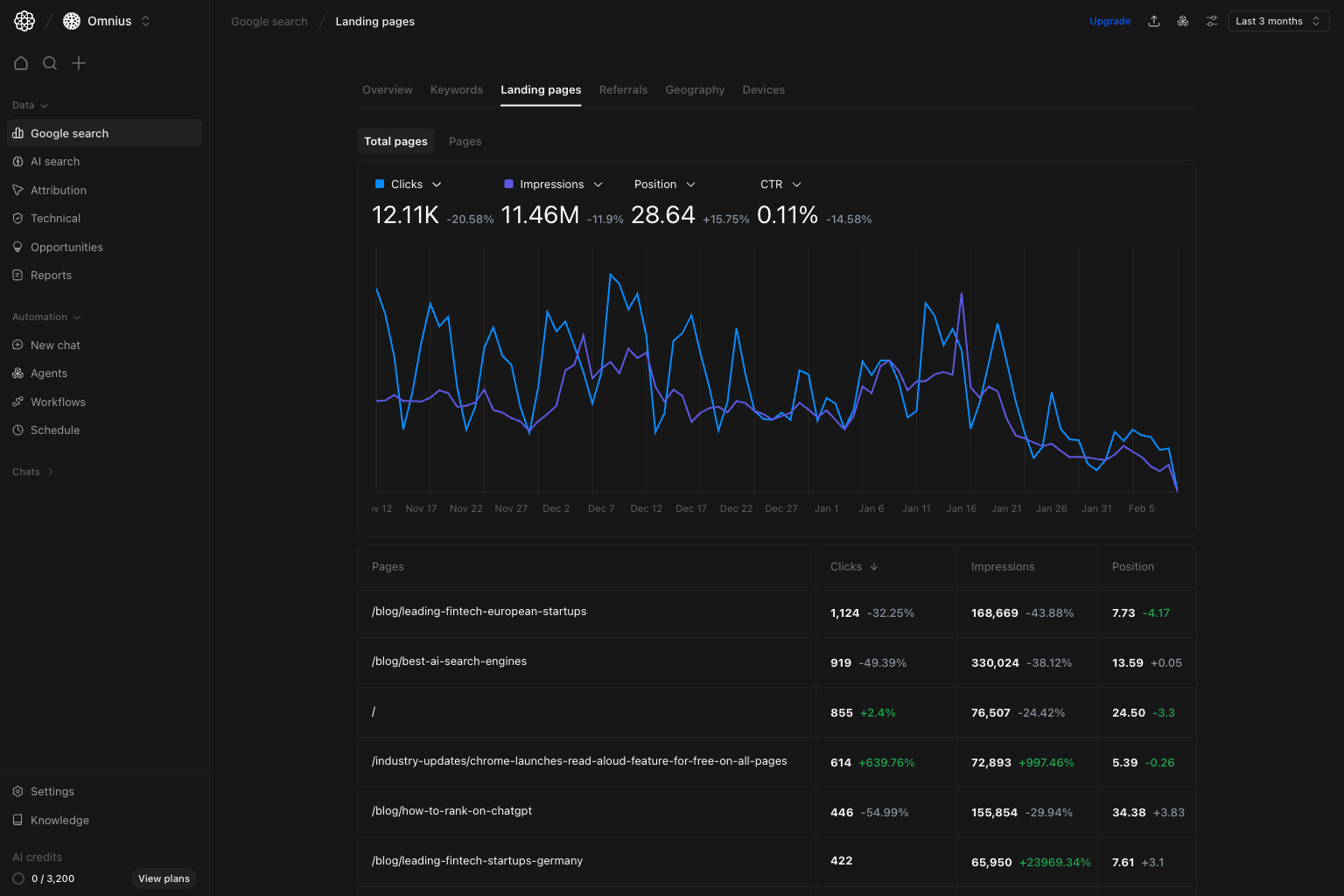
- Which pages are driving or losing organic traffic right now?
- Are page changes caused by ranking movement, demand shifts, or CTR issues?
- Which pages should be updated first this sprint?
Important: Diagnose page movement before rewriting. Demand, rankings, snippets, and technical issues can produce the same traffic pattern.
Before you analyze
- Set a date range that matches your reporting schedule.
- Start with no filters to see the global pattern first.
- Compare against an equivalent prior period (week-over-week or month-over-month).
What this page gives you
The Landing pages view combines:- A trend chart for clicks, impressions, position, and CTR.
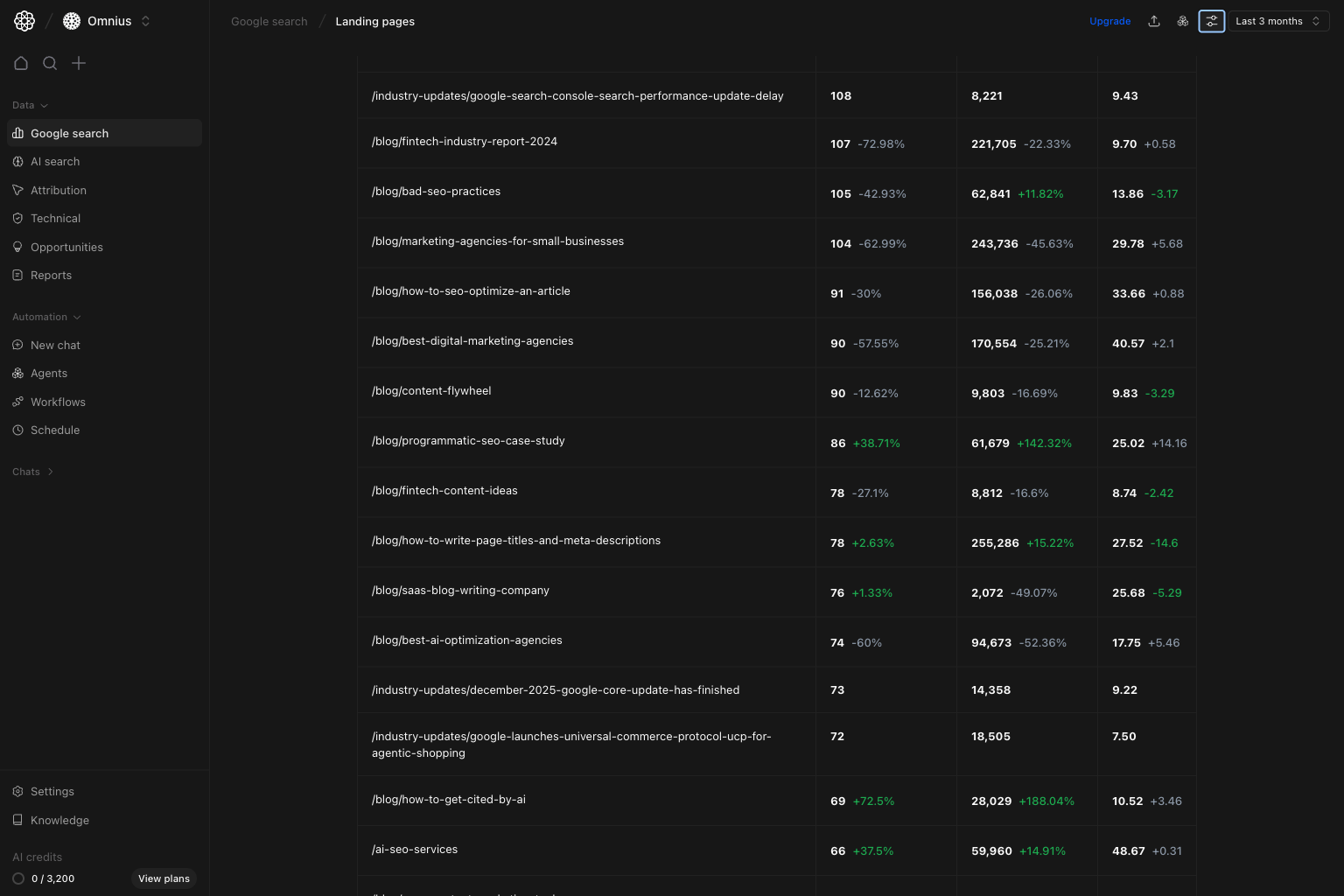
- A page-level table with performance deltas by URL.
- Two modes:
Total pagesfor broad portfolio movement.Pagesfor detailed row-level prioritization.
- The same filter stack used across Google Search views.
How to read the table correctly
Clicks: pages generating organic visits now.Impressions: pages with visibility potential, even when clicks are low.Position: average ranking level for searches that lead to that page.
How these metrics are calculated (simple)
Quick weekly checklist
- Start with trend direction. Check if the change is site-wide or limited to a few pages.
- Sort by clicks change. Identify the biggest traffic movers first.
- Check position on losing pages. Separate ranking decay from demand changes.
- Group by template or content type.
Example:
/blog/,/industry-updates/,/product/. - Turn findings into action tickets. Assign owner, URL, change type, and expected impact window.
How to use filters
Use filters to test one idea at a time before creating tasks.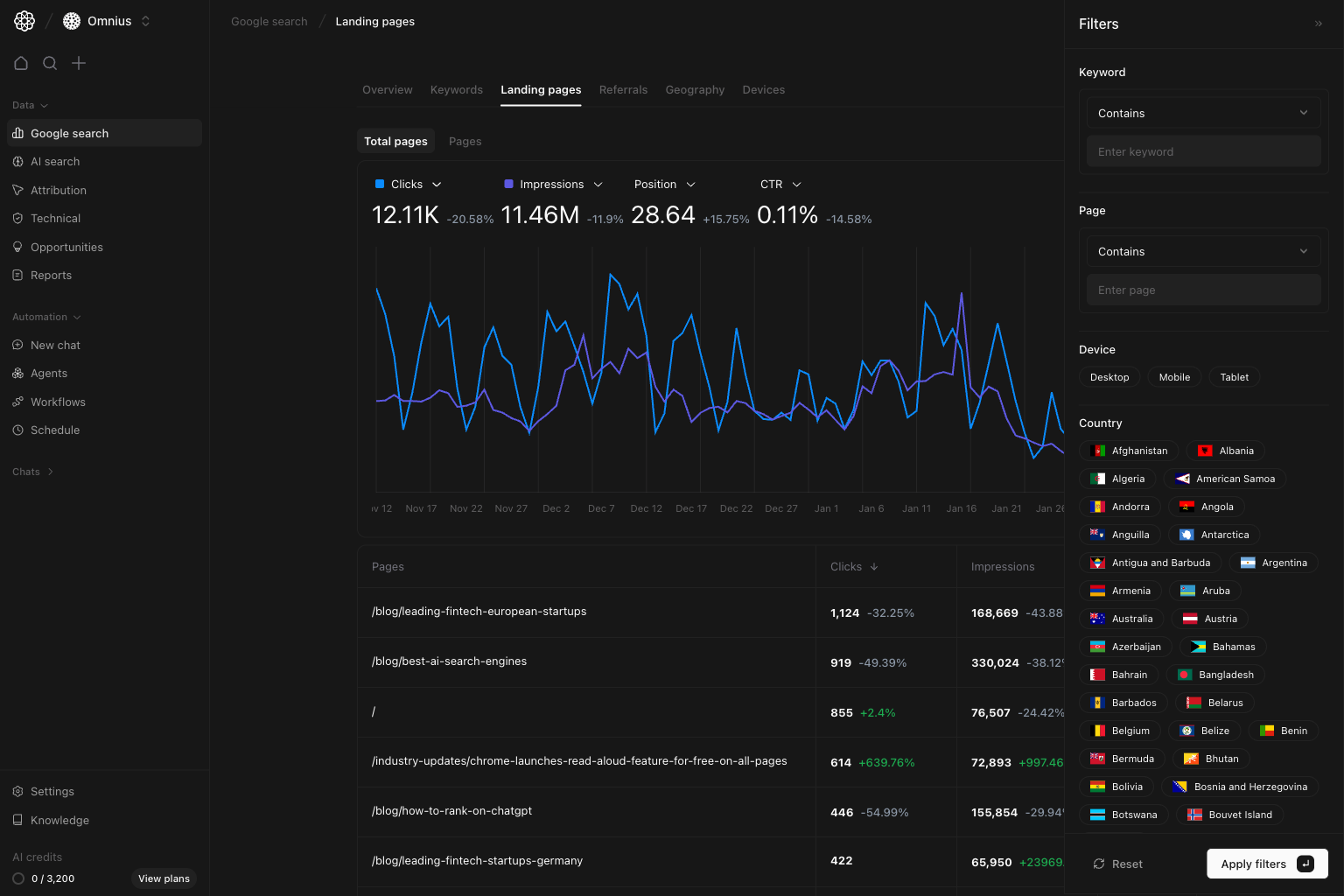
Page contains [/blog/ or /industry-updates/]Compare performance by content type and template.Keyword contains [topic term]Check whether a specific topic is driving movement.Device = MobileIdentify mobile-first page losses and UX-sensitive URLs.Country = [market]Check if winners and losers are regional rather than global.
What to fix first
Team routine
- Weekly: top losers/winners and immediate fixes.
- Bi-weekly: cluster-level review by URL groups.
- Monthly: report recovered pages, still-declining pages, and next experiments.
- Quarterly: identify pages to consolidate, merge, or fully refresh.
Keep in mind
- Search Console data is delayed, so avoid same-day conclusions.
- Average position is an overall average, not one fixed rank.
- One page can rank for different intents, so check keyword data too.
Where to go next
- Google Search overview: macro trend diagnosis
- Keywords: query-level explanation behind page movement
- Geography: country-level effects on page traffic
- Devices: mobile vs desktop page performance