

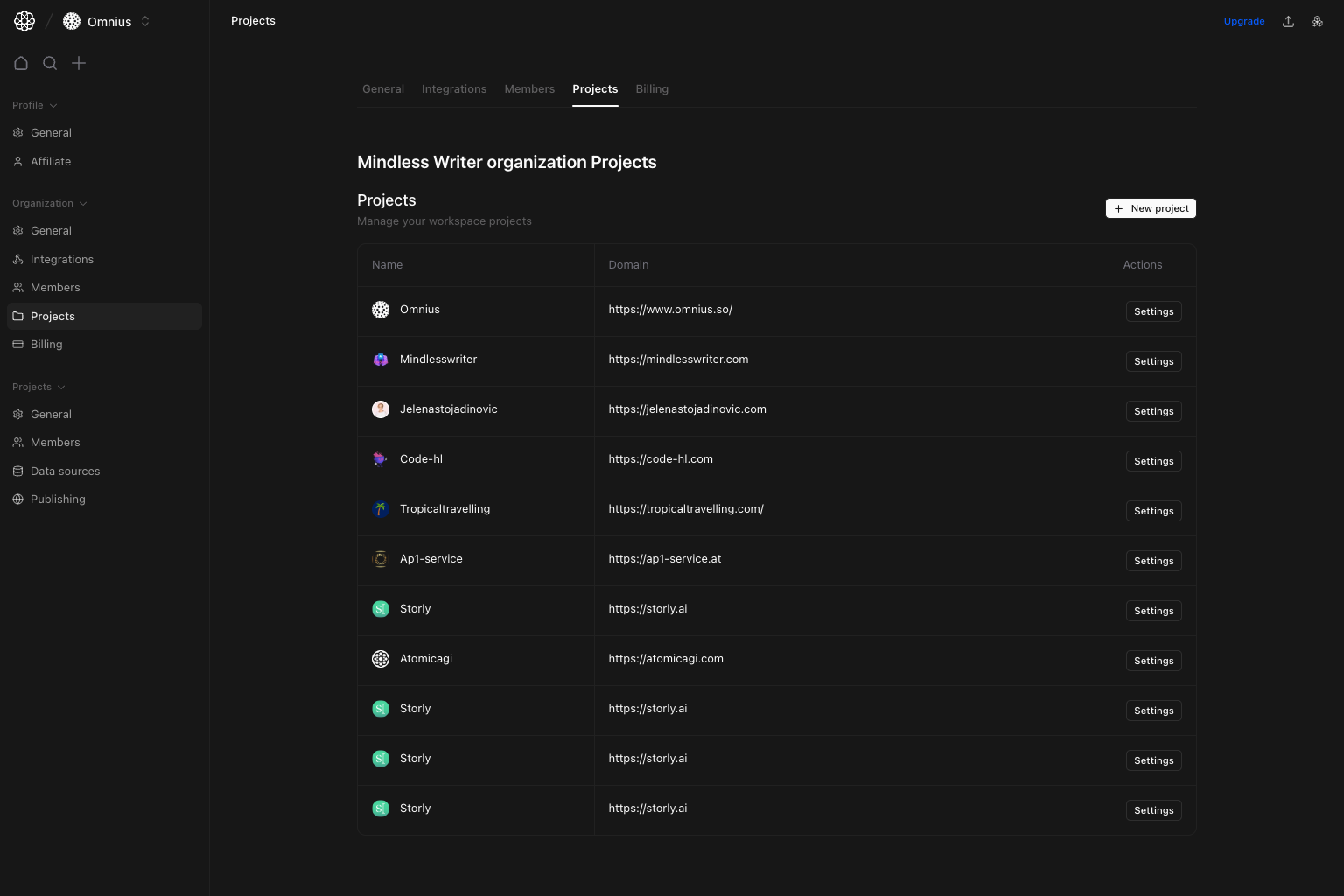
Important: Treat the project list as the workspace source of truth. Duplicate or stale projects make reporting and permissions harder to reason about.
Questions this page should answer
- Which projects are currently in this organization?
- Which domains are linked to each project?
- How do I open settings for a specific project quickly?
Before you use this page
- In the app, open Organization settings and select
Projects. - Check if you have write permission for project creation.
- Validate domain ownership before creating new projects.
What this page controls
- Project table (
Name,Domain,Actions). New projectcreation action.Settingsshortcut for each listed project.
What this page gives you
- A workspace-level inventory of active projects.
- Domain context for each project.
- A shortcut into project-specific configuration.
How to use this page
Keep project inventory clean
Use this table as your canonical list of active organization projects.Create projects with intent
UseNew project only when a distinct domain/use case warrants a separate configuration and reporting scope.
Use row-level settings shortcuts
Use each row’sSettings button to jump directly into project configuration without manual navigation.
Quick monthly checklist
- Remove or archive stale projects operationally.
- Audit duplicate domains and naming drift.
- Validate each active project has an owner.
What to fix first
Team routine
- Monthly: review active projects and owners.
- After new launches: confirm domain/project mapping.
- Before audits: remove duplicate or stale project confusion.
Keep in mind
- This page is about project inventory, not deep project configuration.
- Detailed project settings are managed in the
Projectgroup.