

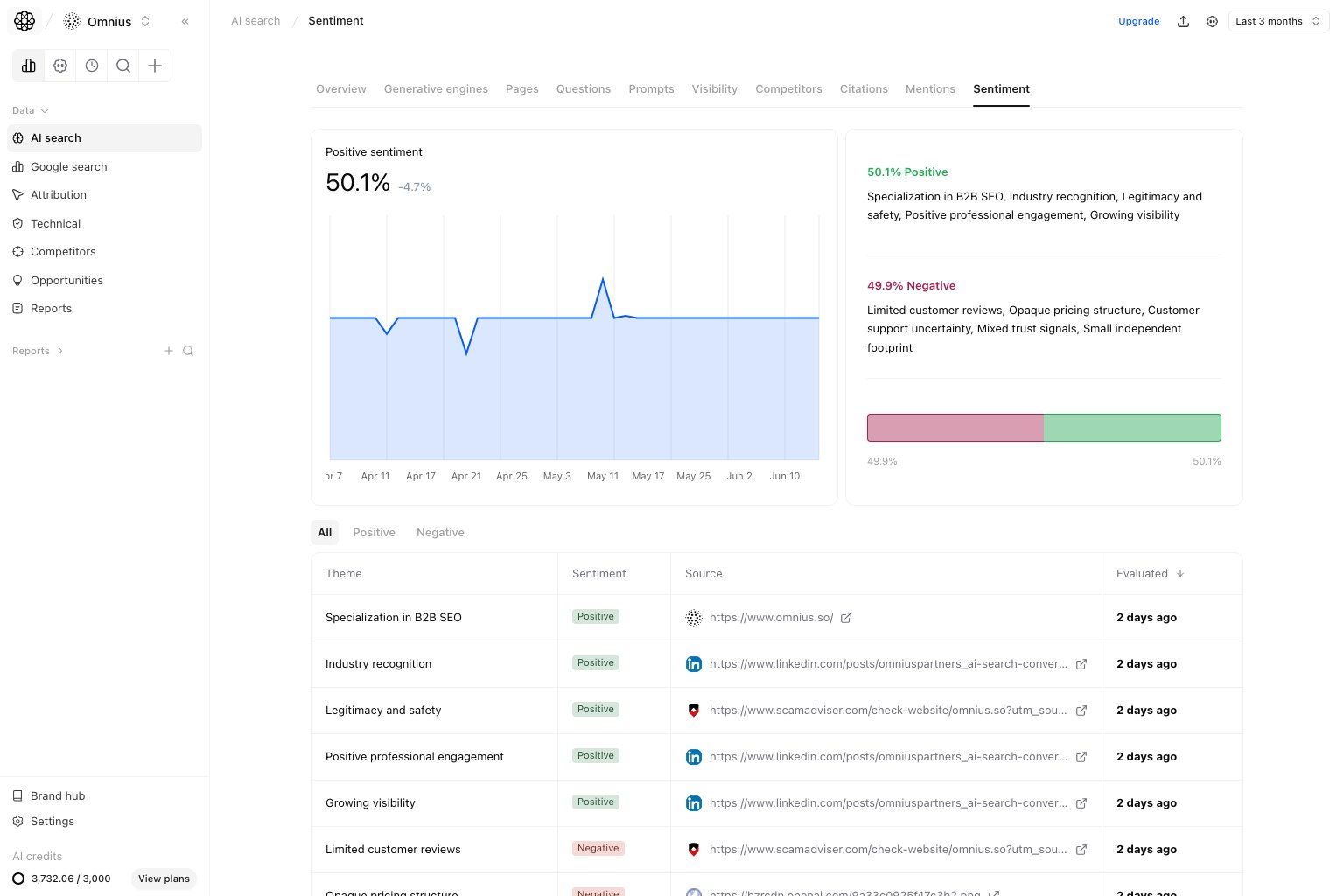
Important: One negative mention is noise. Repeated negative themes across prompts are the real risk.
Questions this page should answer
- Is sentiment improving or getting riskier?
- Which themes are driving positive or negative perception?
- What messaging updates should we ship first?
Before you analyze
- Match date range with the rest of AI Search reporting.
- Read trend direction before row-level details.
- Separate positive and negative themes before acting.
What this page gives you
- Positive sentiment trend line.
- Positive vs negative share summary.
- Theme-level evidence table with sources.
- Three subtabs:
All,Positive, andNegative.
How to read the top sentiment section
- Trend line shows narrative direction over time.
- Right-side split shows current narrative balance.
- Theme rows show what is shaping that balance.
Key signal: If visibility stays stable but negative share rises, conversion risk is usually increasing before traffic metrics react.
How these metrics are calculated (simple)
Positive share
Negative share
Theme rows
Theme rows are recurring sentiment statements grouped into actionable theme clusters.All tab
Start inAll for a full narrative baseline.
- Mixed themes requiring clearer positioning.
- Repeated concerns that hurt trust.
- Positive messages worth scaling.
Positive tab
UsePositive to preserve and scale what already works.
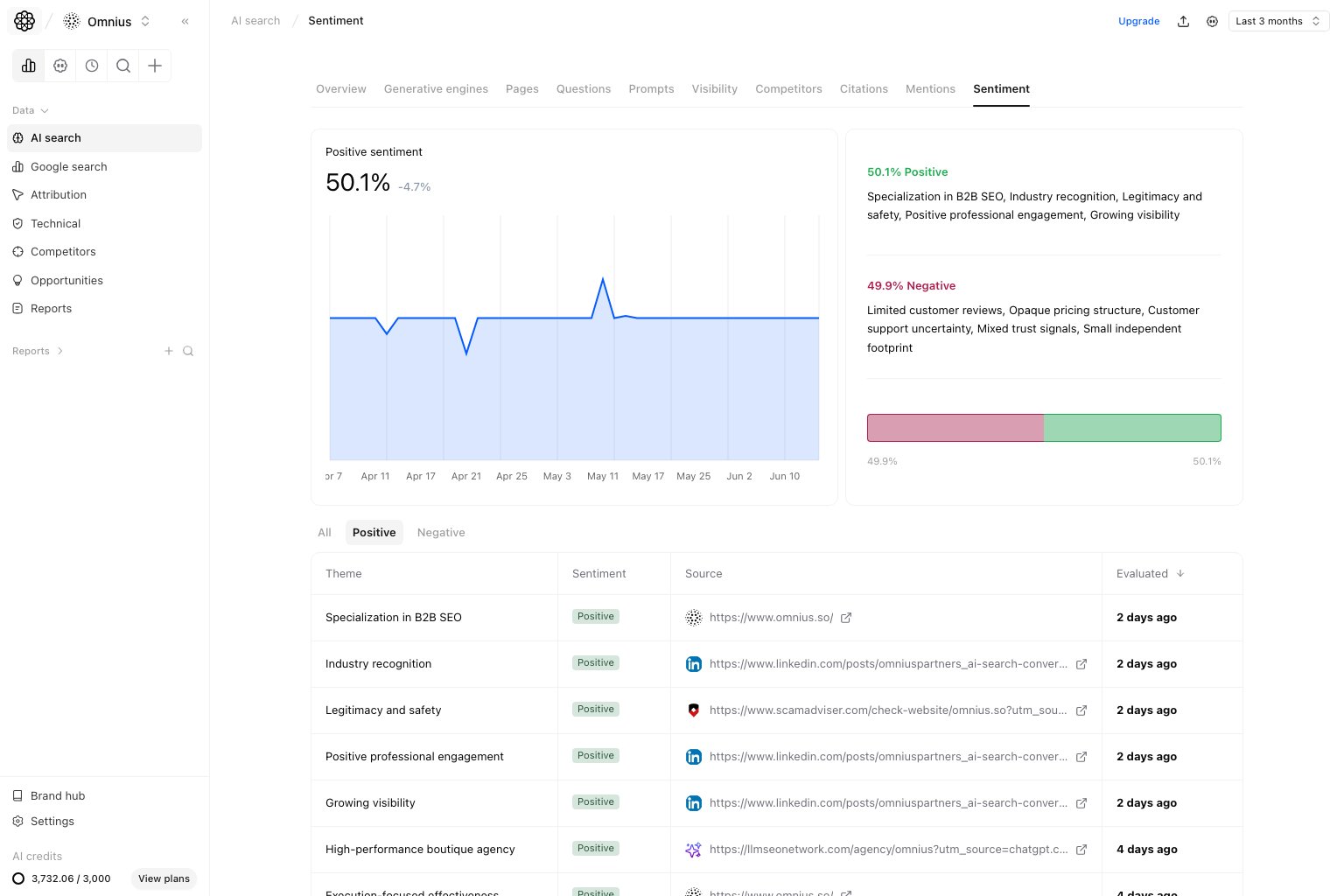
- Positive themes that repeat across sources.
- Signals you can reuse in landing pages and prompts.
- Source types that produce high-trust mentions.
Negative tab
UseNegative to reduce risk quickly.
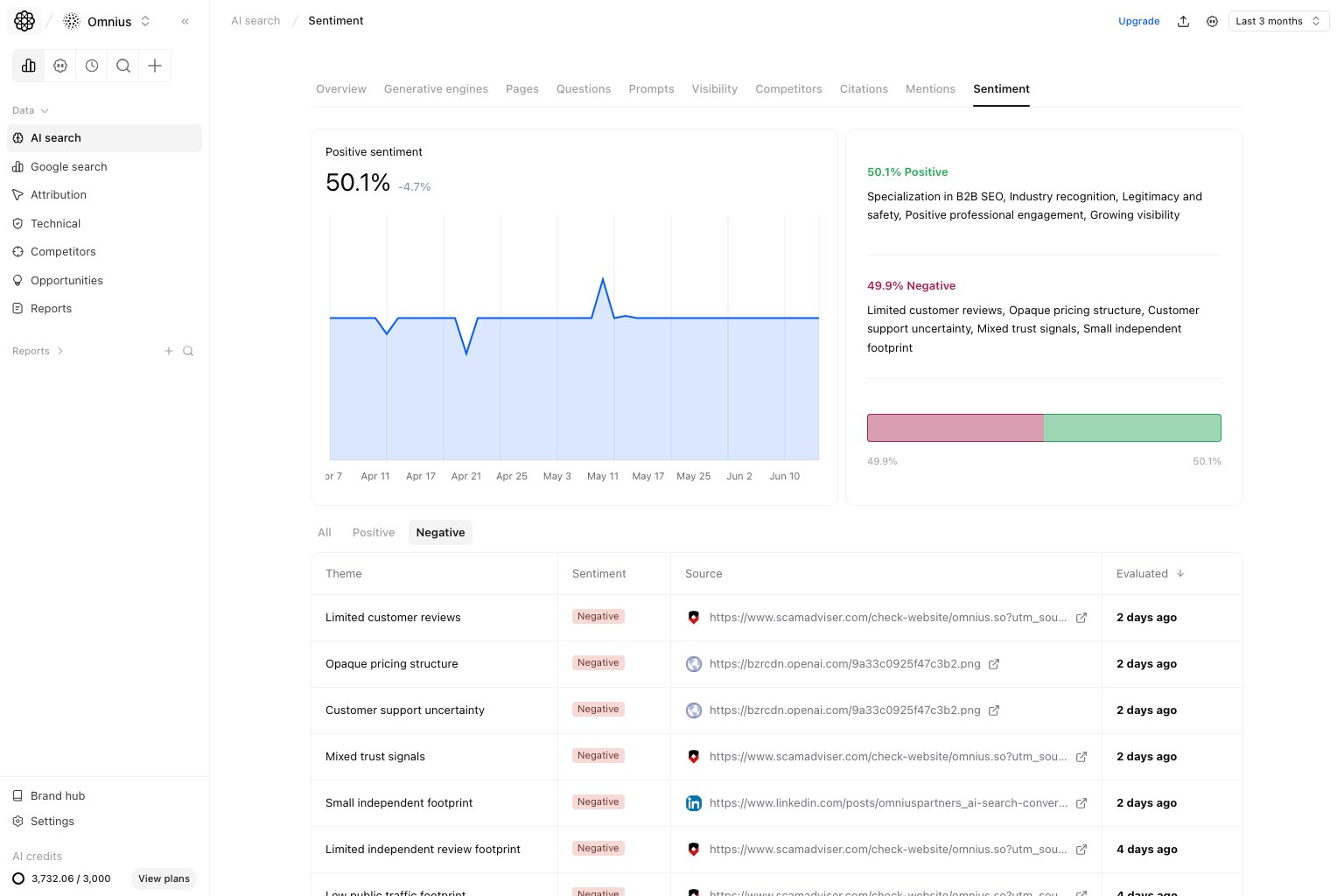
- Recurring negative themes.
- Negative themes tied to decision queries.
- Source patterns that repeatedly create risk.
Quick weekly checklist
- Check positive vs negative balance.
- Flag top recurring negative theme.
- Protect one high-impact positive theme.
- Assign one message/proof fix per sprint.
How to use filters
- Start with
Allbefore narrowing. - Compare
PositiveandNegativeseparately. - Keep window consistent to avoid false trend shifts.
What to fix first
Team routine
- Weekly: review drift and assign fixes.
- Bi-weekly: verify whether negative themes were reduced.
- Monthly: align messaging roadmap with sentiment trends.
Keep in mind
- Sentiment is directional, not absolute truth.
- Short windows can be noisy.
- Repeated themes matter more than isolated mentions.