

Questions this page should answer
- Which providers are configured for this project?
- Which provider keys are enabled right now?
- When should we use project keys instead of system credentials?
Before you configure keys
- Confirm this project actually needs bring-your-own-key behavior.
- Decide who owns key rotation and billing for the provider account.
- Check whether the provider account supports the models your agents need.
- Keep the key available only long enough to paste it into Atomic.
What this page gives you
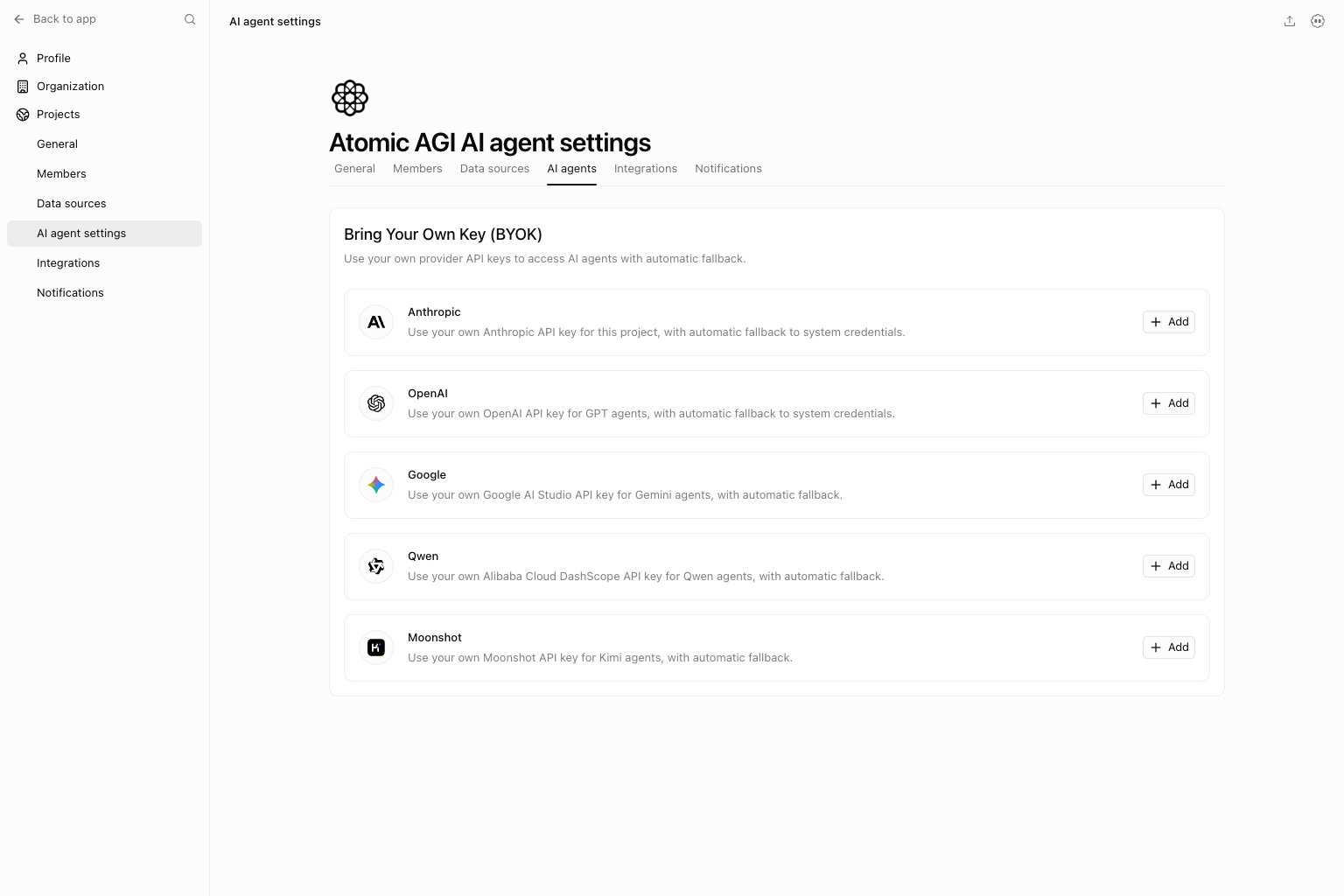
- Provider cards for supported BYOK setups.
- Configure, enable, disable, test, edit, and delete actions.
- Automatic fallback behavior when project keys are not enabled.
Providers currently supported
AnthropicOpenAIGoogleQwenMoonshot
How to use this page
Configure only the providers you actually need
Do not add every possible key by default. Add the providers required for the models or policies this project really uses.Test before enabling at scale
Save and test the key before relying on it in production workflows. A key can be configured but still wrong for the model or account you expect.Leave fallback behavior intentional
The provider cards describe fallback to system credentials. Do not treat a saved project key as a guarantee that every request uses only that provider account. Check which key is enabled and re-test after rotation.How to know setup worked
- The provider card shows the configured state you expect.
- The key test succeeds after saving.
- Agents that use the provider can complete a small test request.
- Errors mention prompt/model issues rather than authentication or provider access.
Quick monthly checklist
- Confirm each enabled key still has an owner.
- Re-test keys after provider account or billing changes.
- Disable providers this project no longer uses.
- Rotate keys according to your security policy.
What to fix first
Keep in mind
- These keys are project-scoped, not workspace-global.
- Key rotation should be followed by a quick re-test.
- A configured key is not the same as an enabled key.